
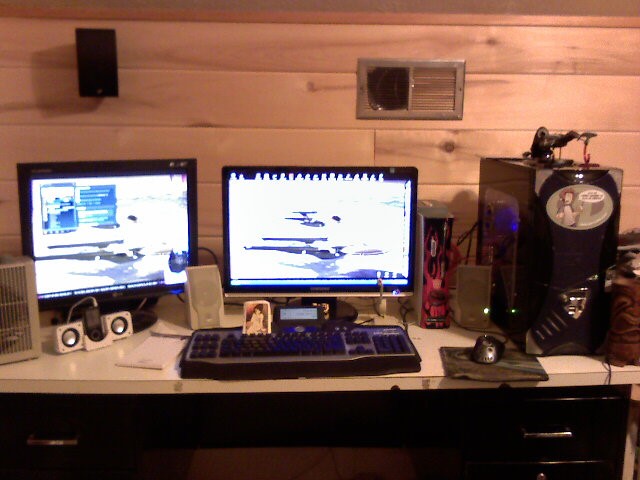
 My first battlestation pic!
It was not my first battlestation, but it was the first one I took a picture of.
My first battlestation pic!
It was not my first battlestation, but it was the first one I took a picture of.
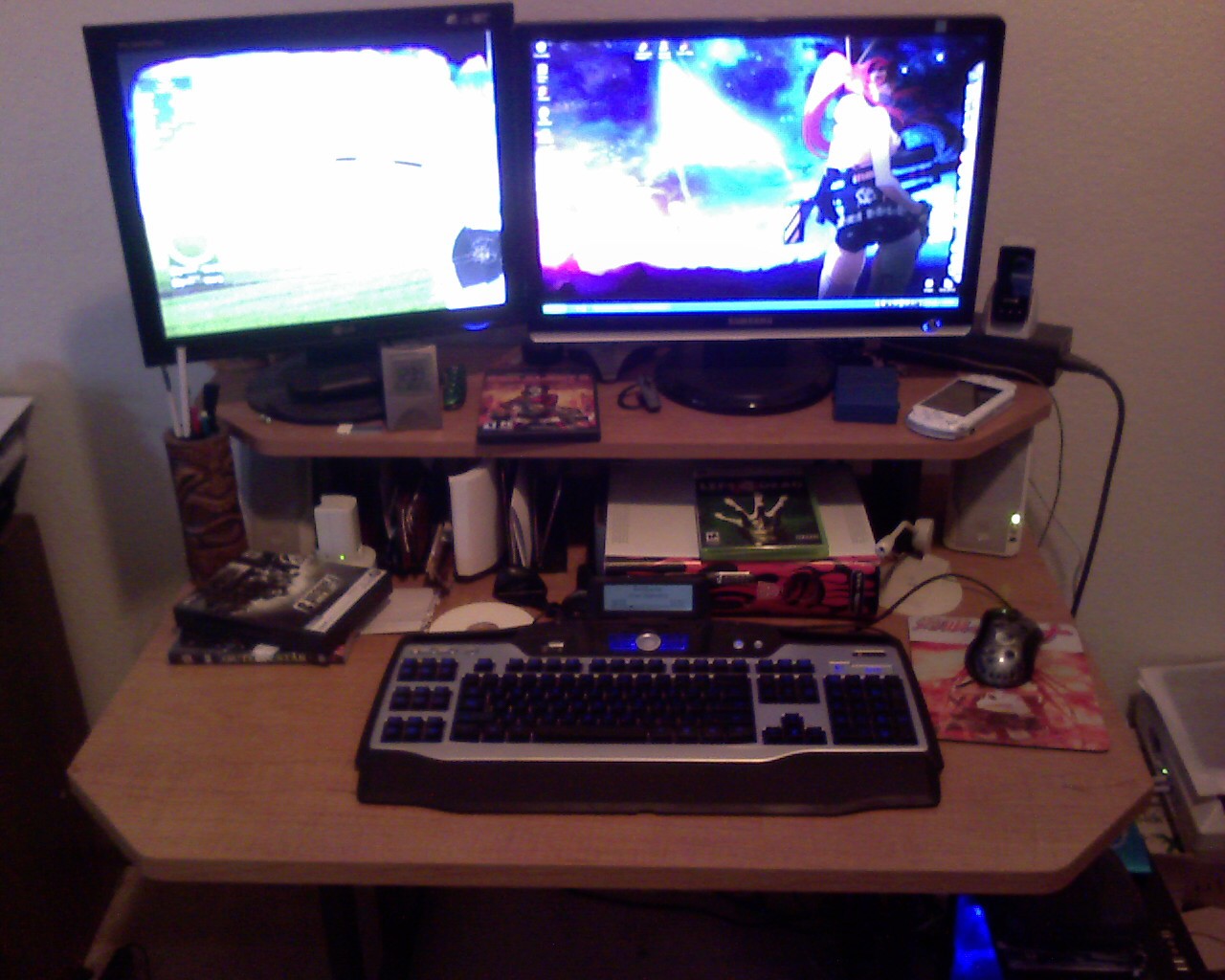 My second battlestation pic
I moved shortly after the first picture. You can tell I had bad taste and a bad camera in 2008.
My second battlestation pic
I moved shortly after the first picture. You can tell I had bad taste and a bad camera in 2008.
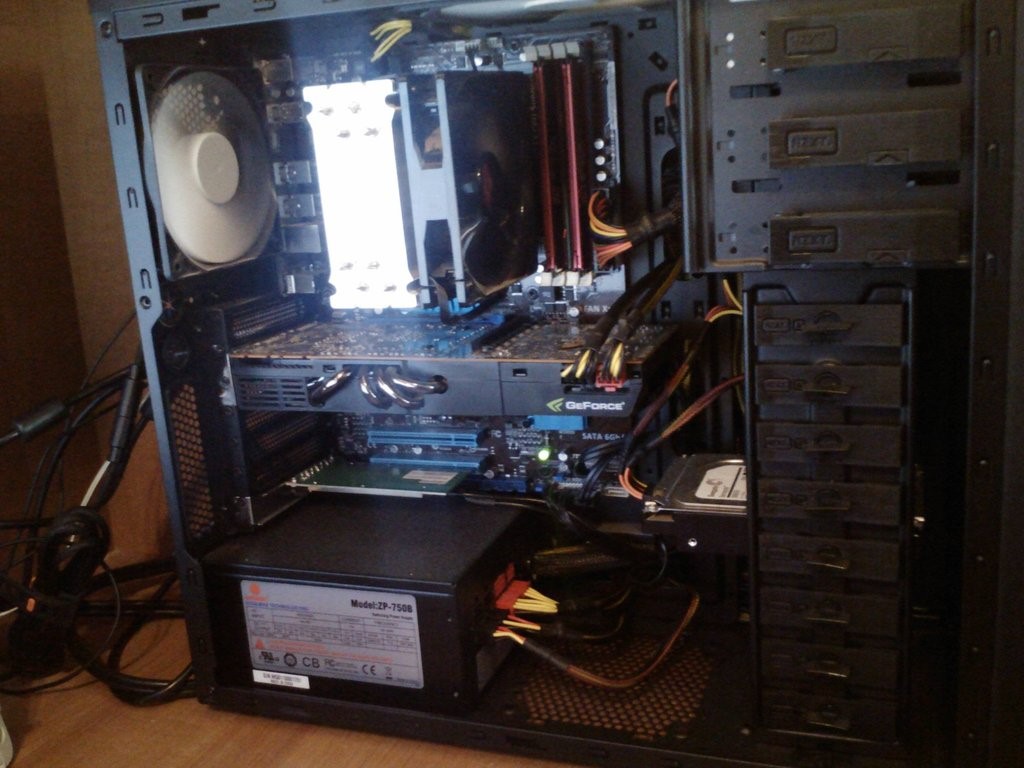 My first crypto mining rig!
I mined quite a few BTC on this guy. But don't worry, I sold them when they were $90 and then forgot about it for a while.
My first crypto mining rig!
I mined quite a few BTC on this guy. But don't worry, I sold them when they were $90 and then forgot about it for a while. I had not heard of HODL yet...
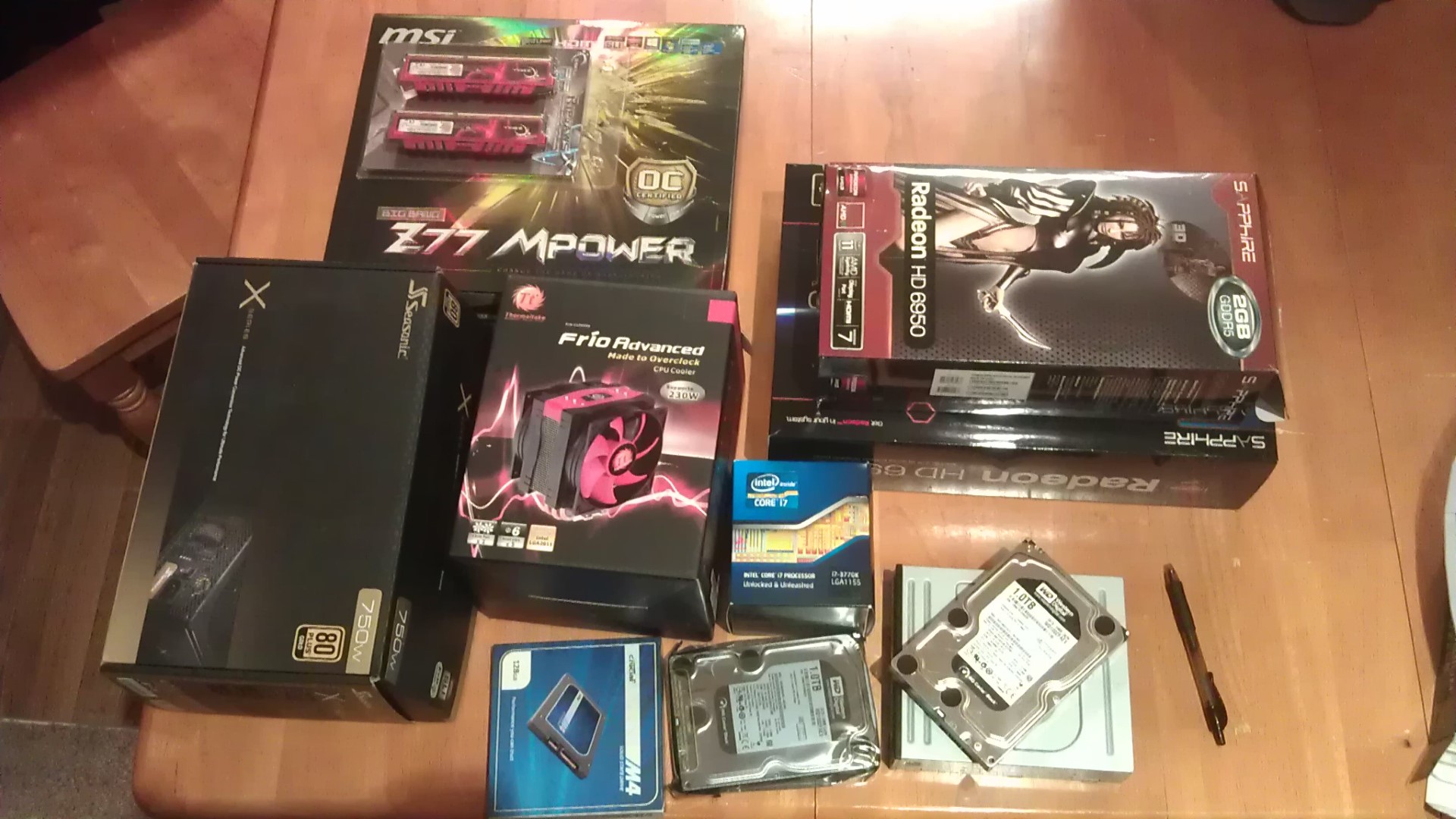 2012 Major Upgrade
At this point I had enough money from a new job to splurge a little.
2012 Major Upgrade
At this point I had enough money from a new job to splurge a little.
 Put together and looking good.
Splurge I did with the Radeon HD 6950s in Crossfire! As was the style at the time.
Put together and looking good.
Splurge I did with the Radeon HD 6950s in Crossfire! As was the style at the time.
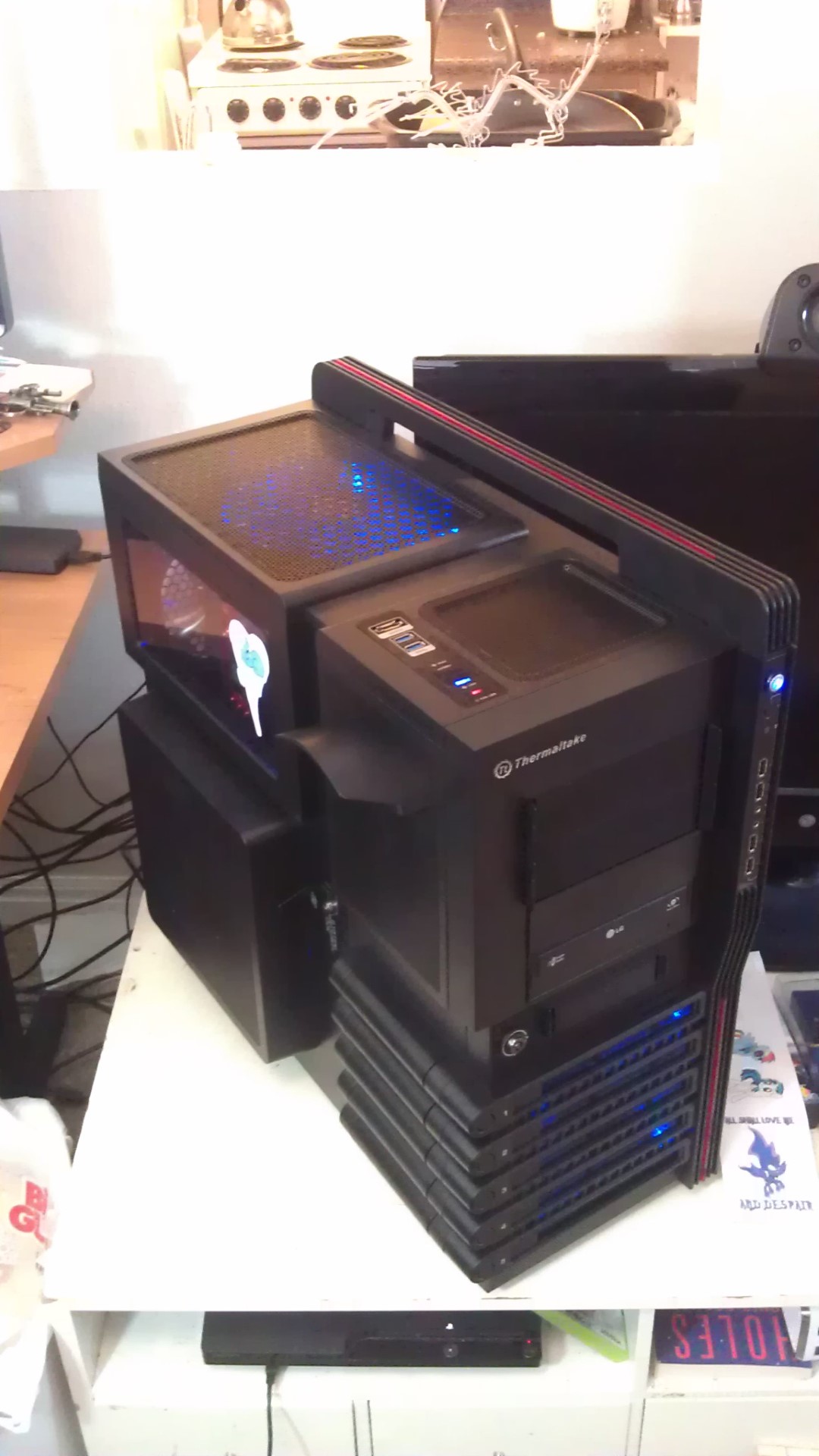 The giant Thermaltake Level 10!
I got this chassis because it was huge! Lots of room for activities inside! I kept it up until 2022.
The giant Thermaltake Level 10!
I got this chassis because it was huge! Lots of room for activities inside! I kept it up until 2022.
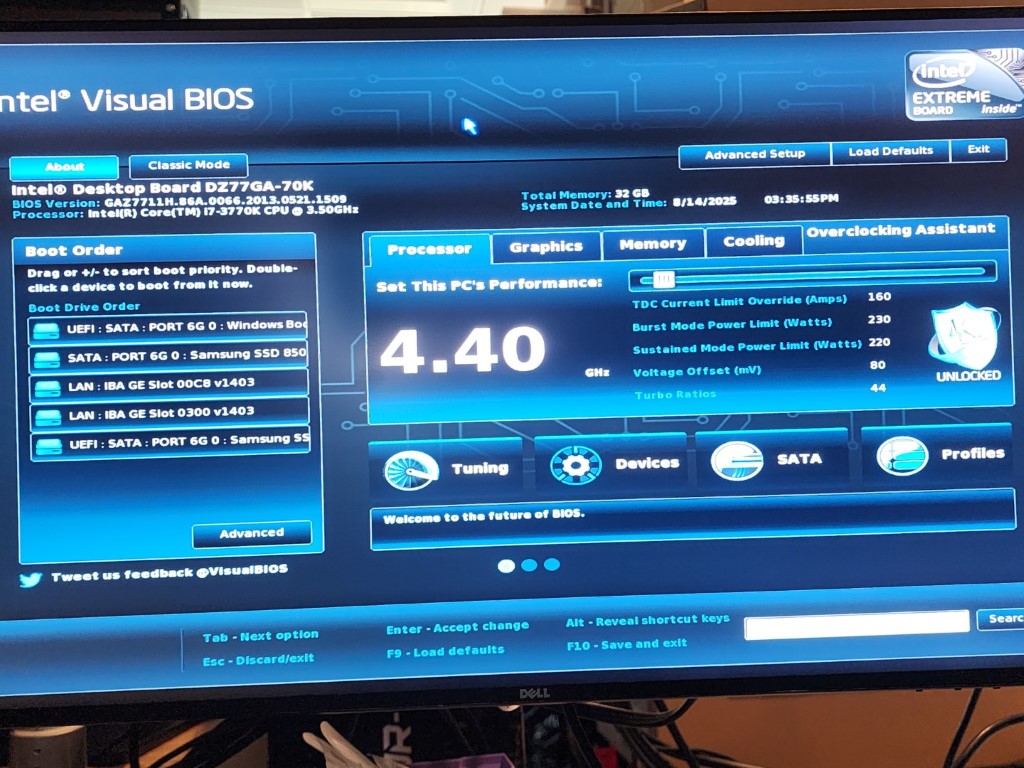 The 3770k that lasted 10 years
I managed to get a stable 4.4Ghz overclock on this CPU and ran it all day every day for nearly 10 years before I felt the need to upgrade to a Ryzen.
The 3770k that lasted 10 years
I managed to get a stable 4.4Ghz overclock on this CPU and ran it all day every day for nearly 10 years before I felt the need to upgrade to a Ryzen.
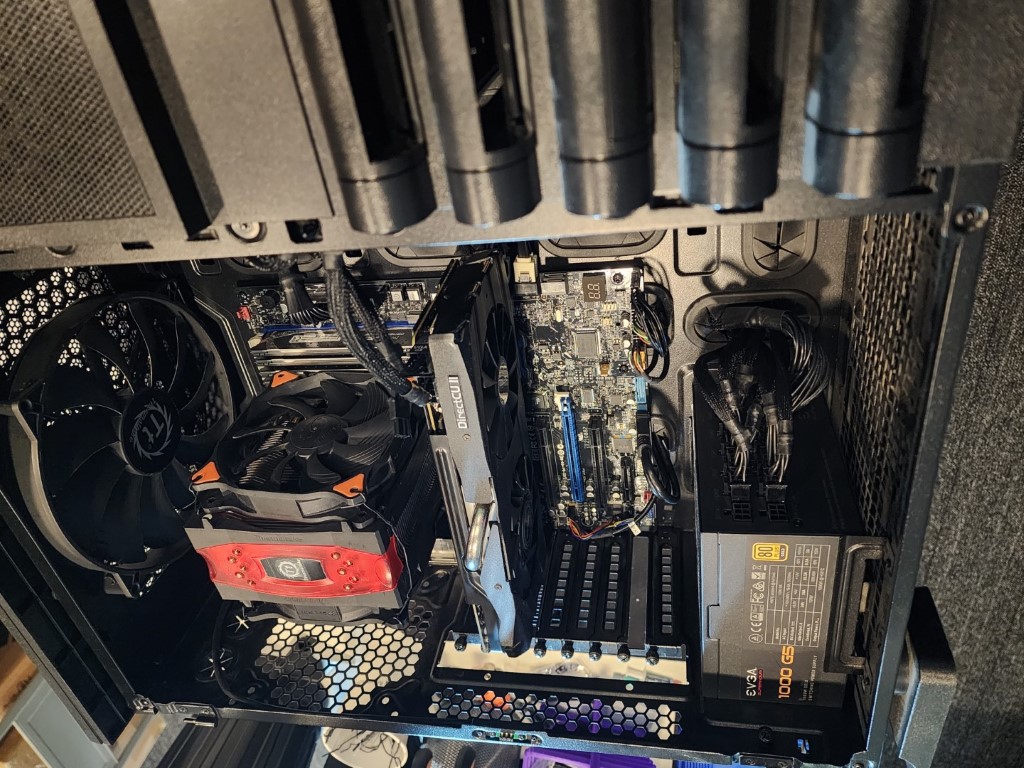 Radeon R9 290X update
Around 2014 I got sick of dealing with the issues that multi-GPU gaming brings. I sold the 6950s and got a single R9 290X.
Radeon R9 290X update
Around 2014 I got sick of dealing with the issues that multi-GPU gaming brings. I sold the 6950s and got a single R9 290X.
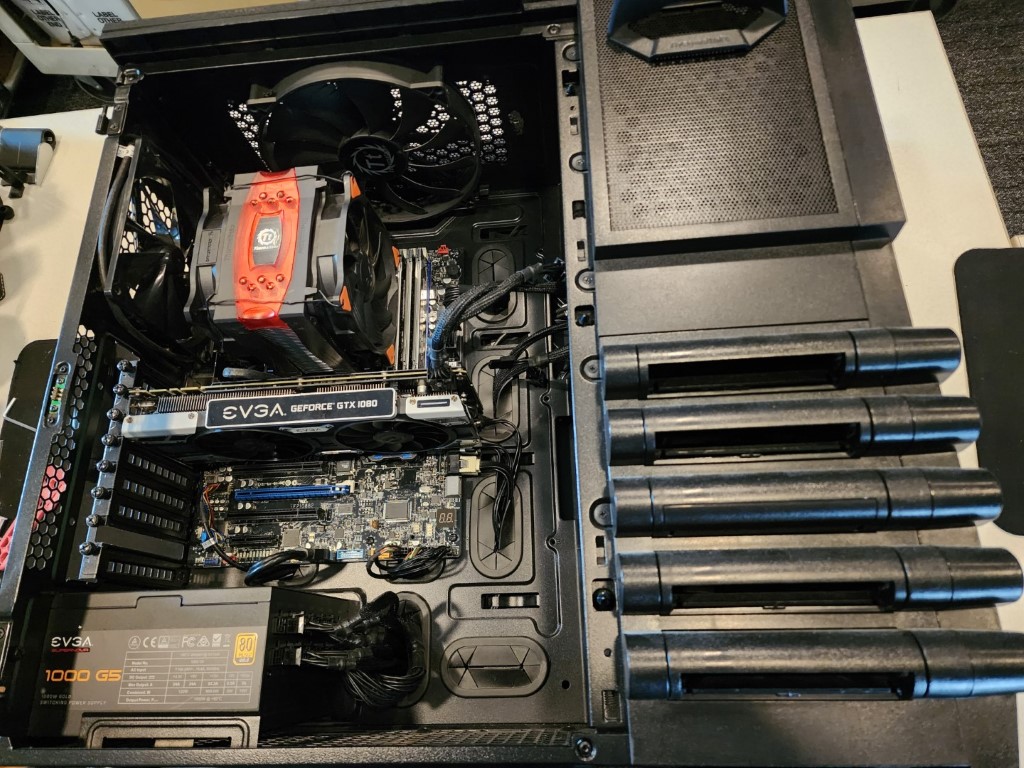 The final form
Then after another 2 years I upgraded again to the GTX 1080. The 3770k machine stayed in this config all the way until 2022 when I switched to a Ryzen 3600X.
The final form
Then after another 2 years I upgraded again to the GTX 1080. The 3770k machine stayed in this config all the way until 2022 when I switched to a Ryzen 3600X.
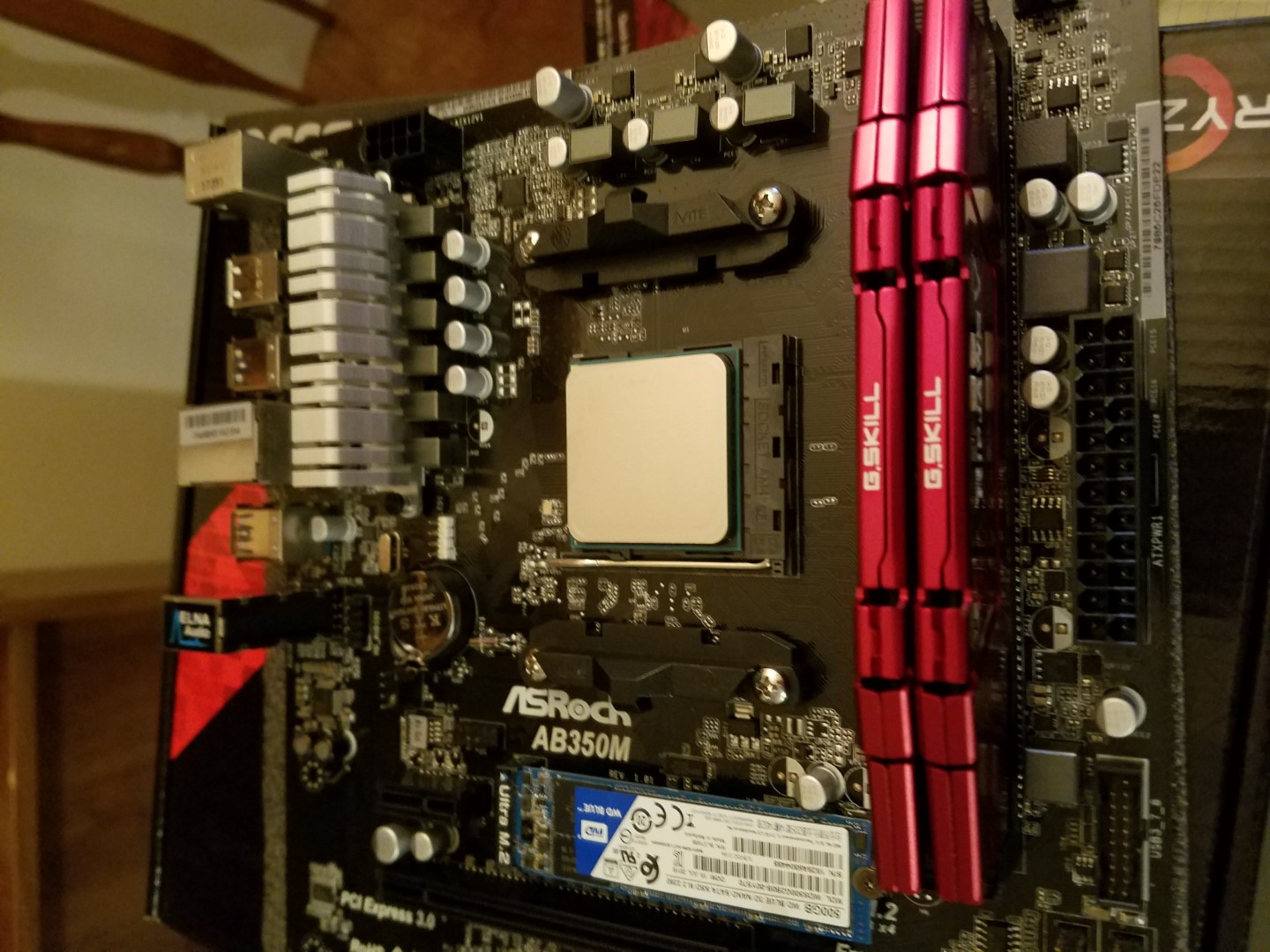 Ryzen!
I was stoked when Ryzen came out and this is my first Ryzen system! Just a simple little HTPC.
Ryzen!
I was stoked when Ryzen came out and this is my first Ryzen system! Just a simple little HTPC.
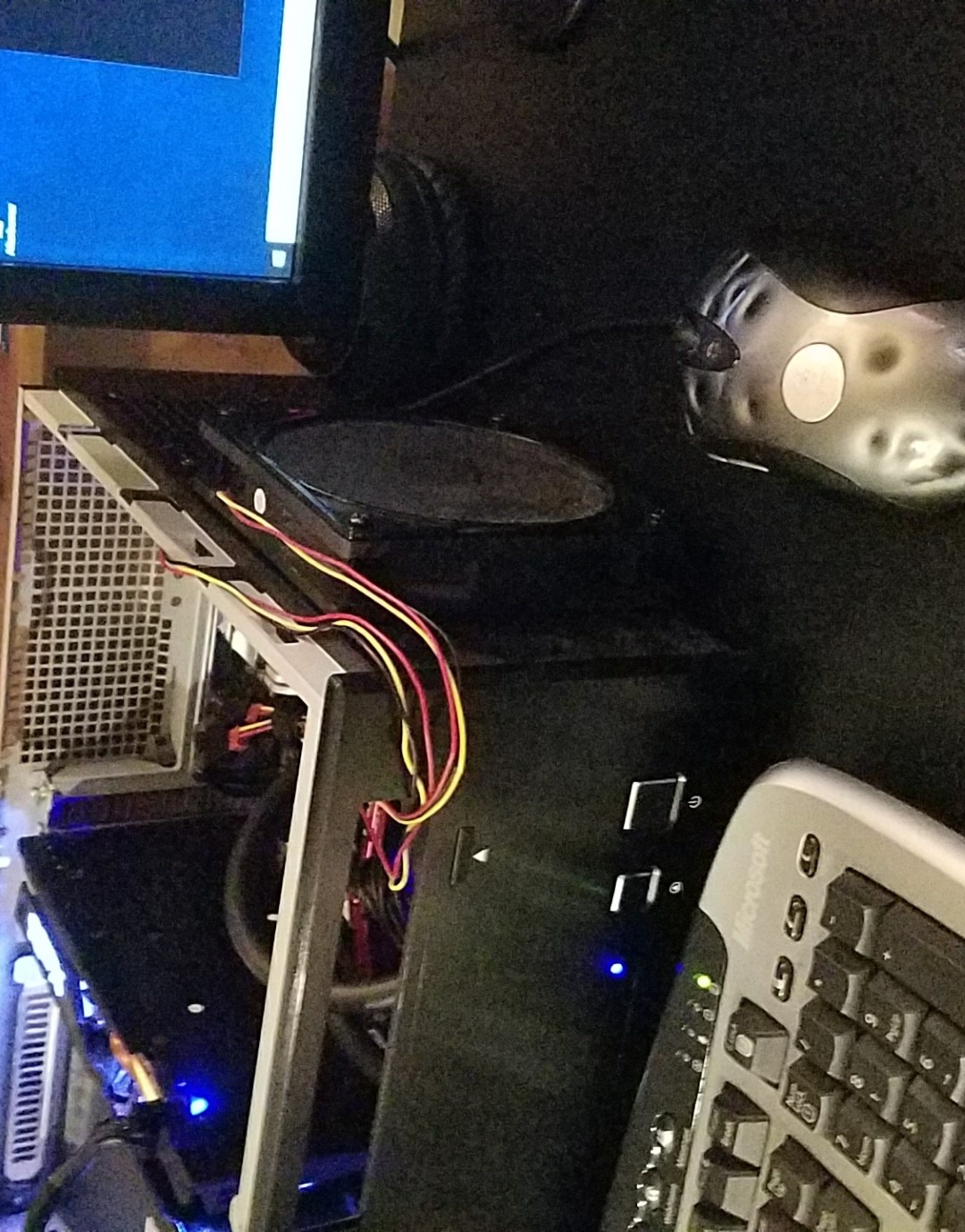 The HTPC chassis was a bit small
The chassis was old and not really meant for Ryzen systems, not everything fit where it was supposed to.
The HTPC chassis was a bit small
The chassis was old and not really meant for Ryzen systems, not everything fit where it was supposed to.
 Second mining rig
My old mining rig was not up to the task anymore, so I had to level up.
Second mining rig
My old mining rig was not up to the task anymore, so I had to level up.
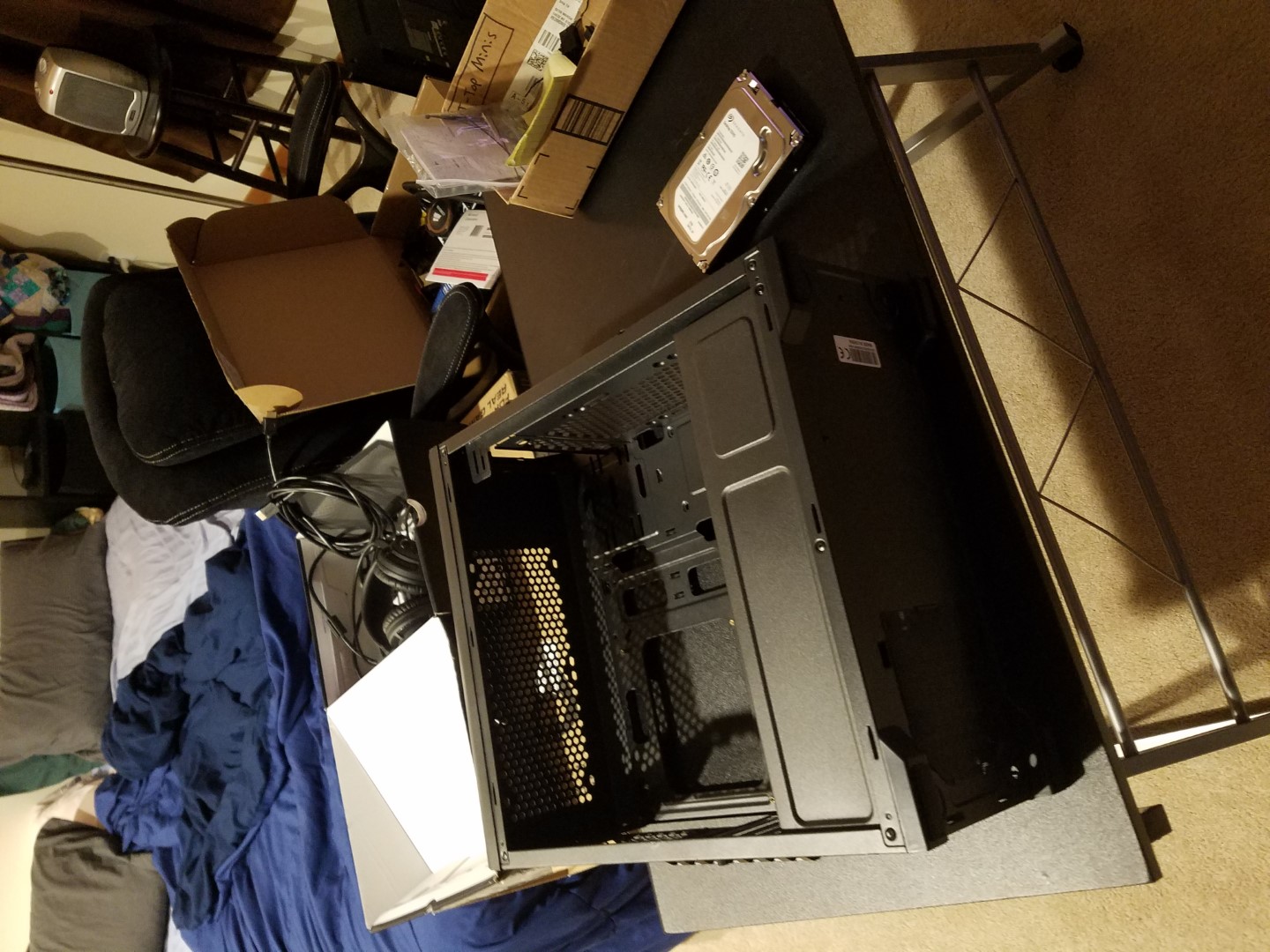 Cheap as possible build
Built a computer in 2020 for as cheaply as possible. It would be for my roommates to use.
Cheap as possible build
Built a computer in 2020 for as cheaply as possible. It would be for my roommates to use.
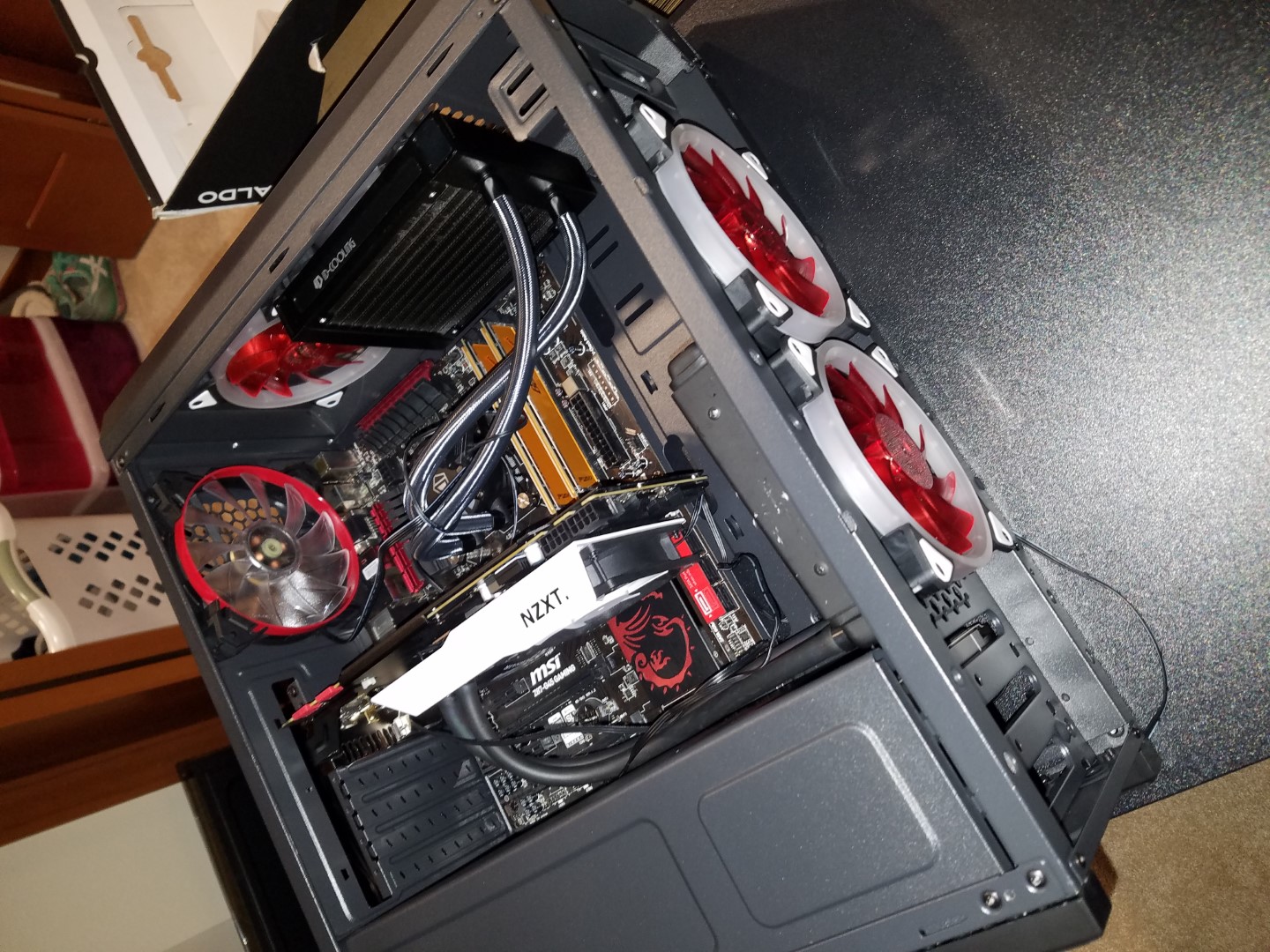 Light's everywhere
Not so much RGB as just R. But they all light up! With water cooling on both the CPU and GPU.
Light's everywhere
Not so much RGB as just R. But they all light up! With water cooling on both the CPU and GPU.
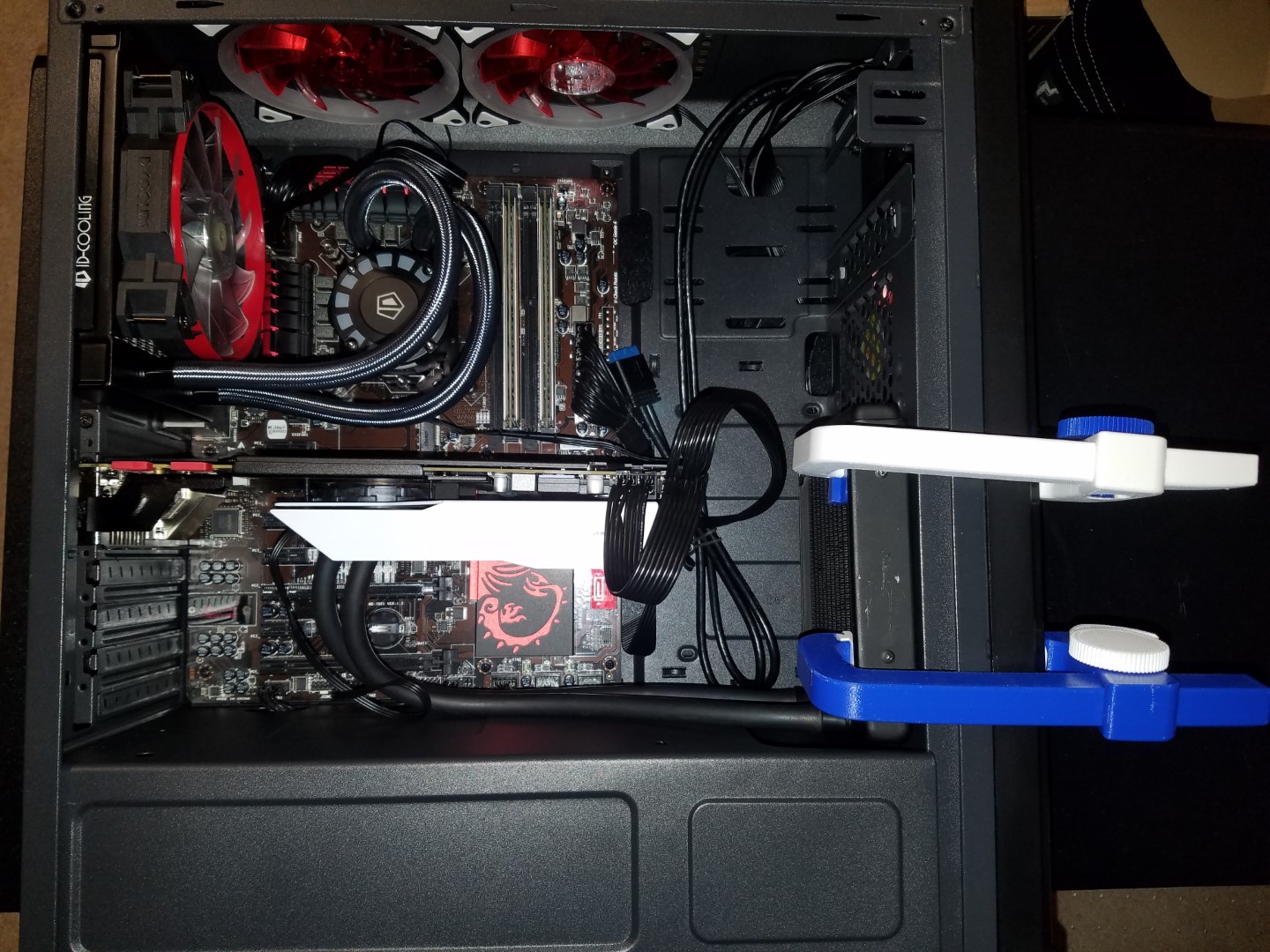 Coming together
The chassis didn't exactly support water cooling properly so it had to be modified.
Coming together
The chassis didn't exactly support water cooling properly so it had to be modified.
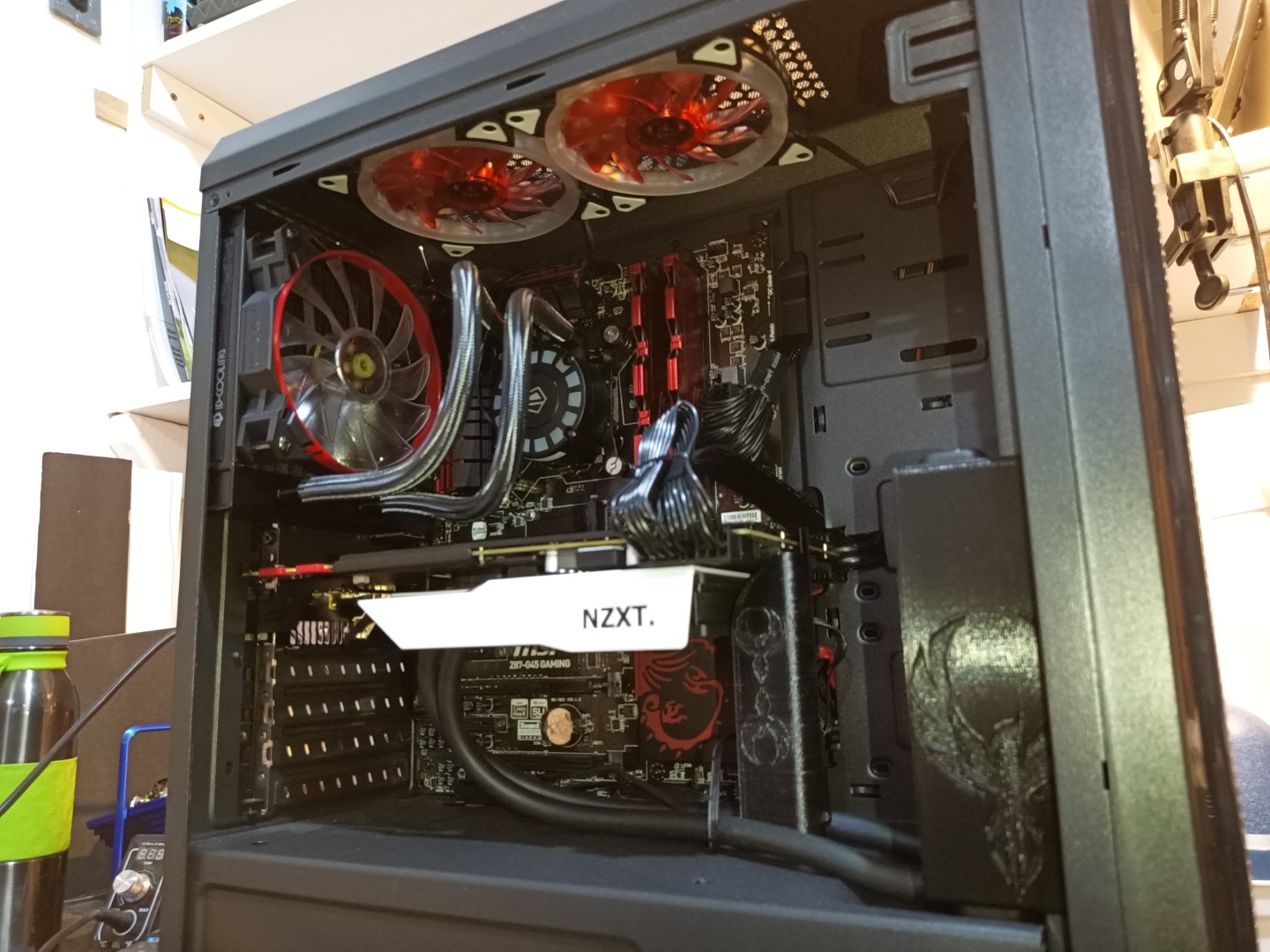 Put together
All used parts, including an i7-4770k and GTX 980ti, made for a very capable system for next to nothing.
Put together
All used parts, including an i7-4770k and GTX 980ti, made for a very capable system for next to nothing.
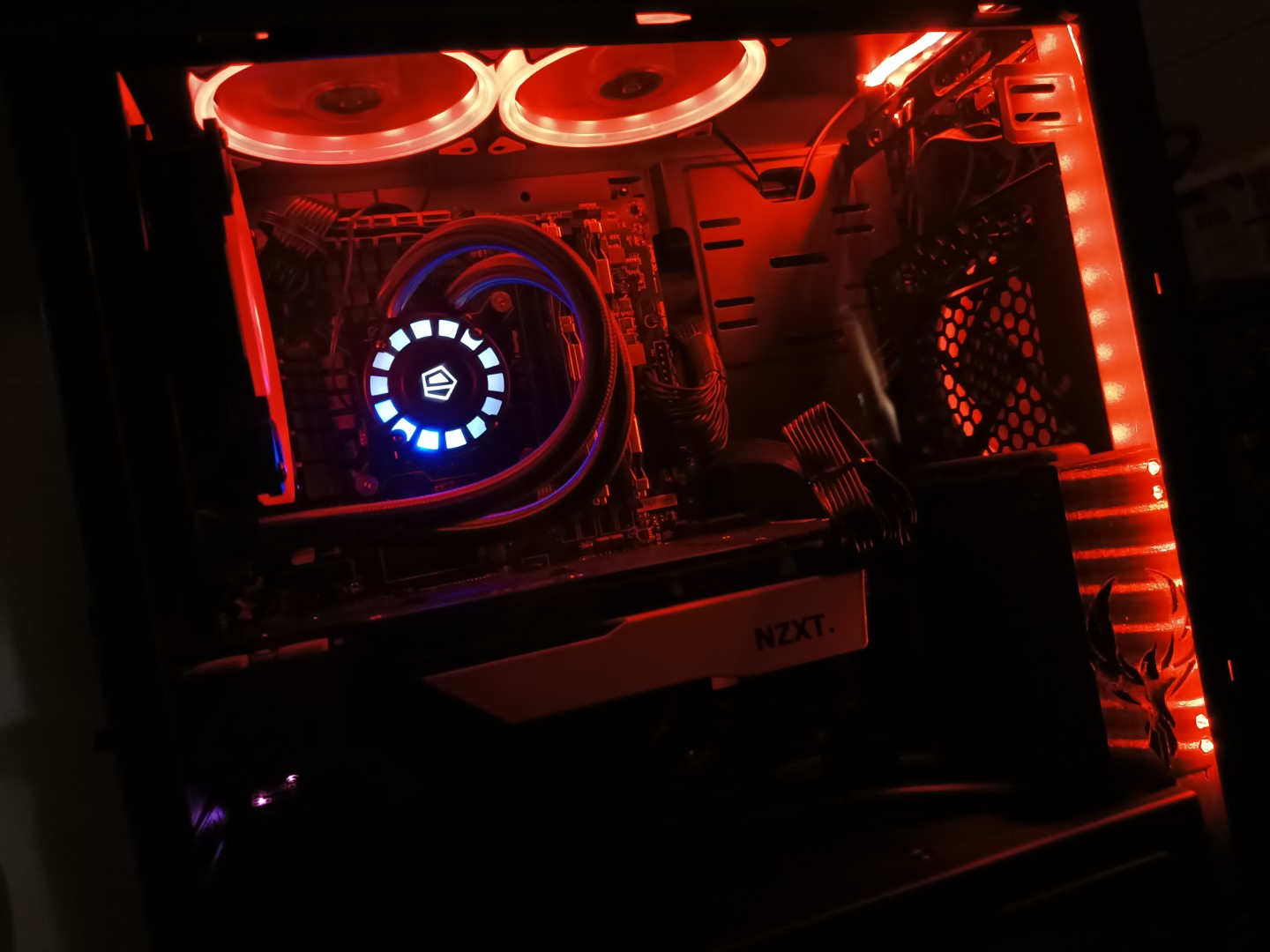 Lights!
It lights up! But, as I said it was a super budget build so it only lights up red.
Lights!
It lights up! But, as I said it was a super budget build so it only lights up red.
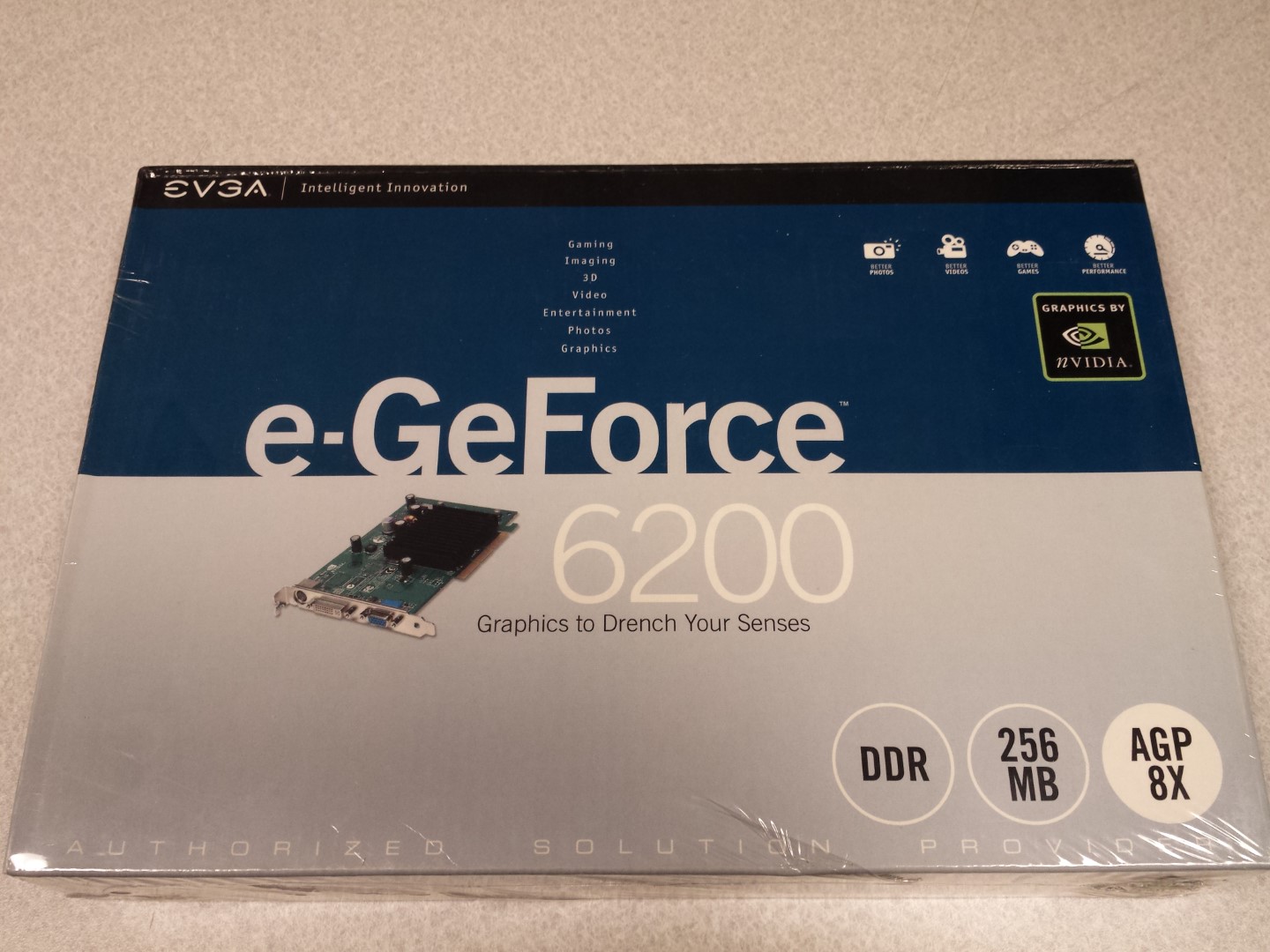 My oldest GPU
This is my oldest GPU that is still in its shrinkwrap. It's not a very good one, but it has never seen the light of day!
My oldest GPU
This is my oldest GPU that is still in its shrinkwrap. It's not a very good one, but it has never seen the light of day!
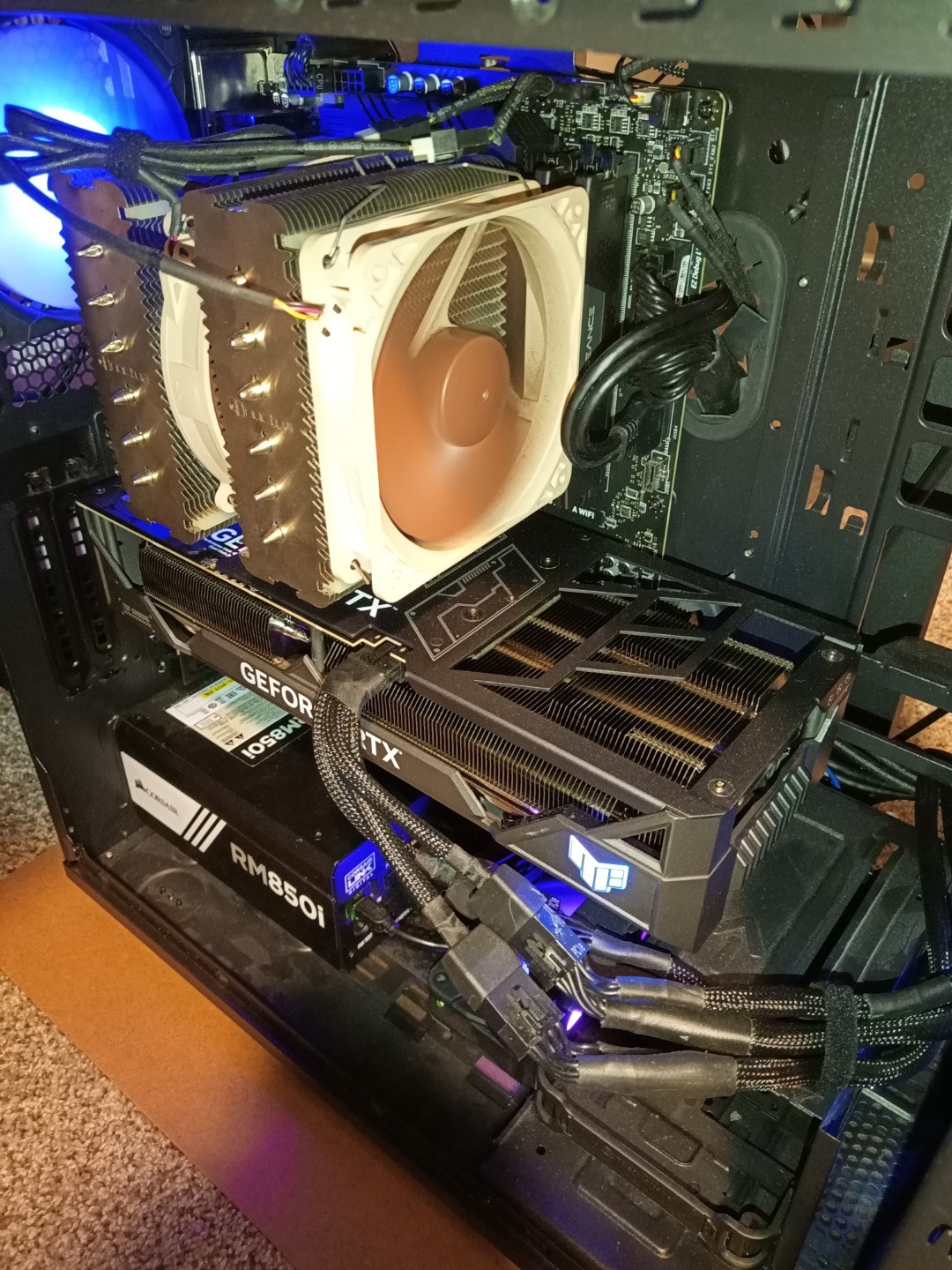 Things are getting out of hand
GPUs are getting bigger and CPUs are getting hotter.
Things are getting out of hand
GPUs are getting bigger and CPUs are getting hotter.
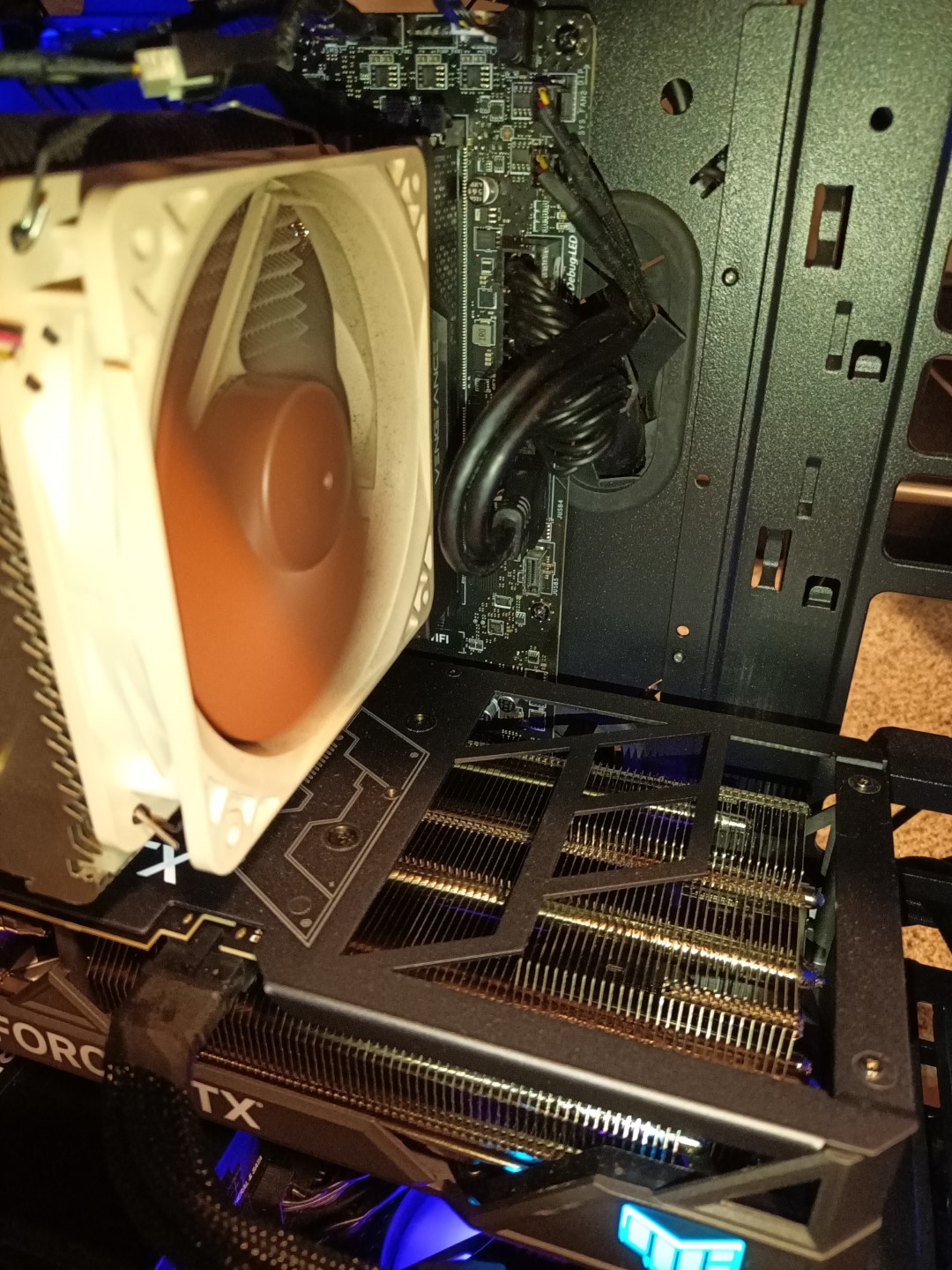 It's getting hard to fit everything
So much power and so much heat. Everything is competing for a smaller amount of fresh air now!
It's getting hard to fit everything
So much power and so much heat. Everything is competing for a smaller amount of fresh air now!
 A new Chassis for me
I finally got a new chassis after lugging around the Thermaltake Level 10 for so long!
A new Chassis for me
I finally got a new chassis after lugging around the Thermaltake Level 10 for so long!
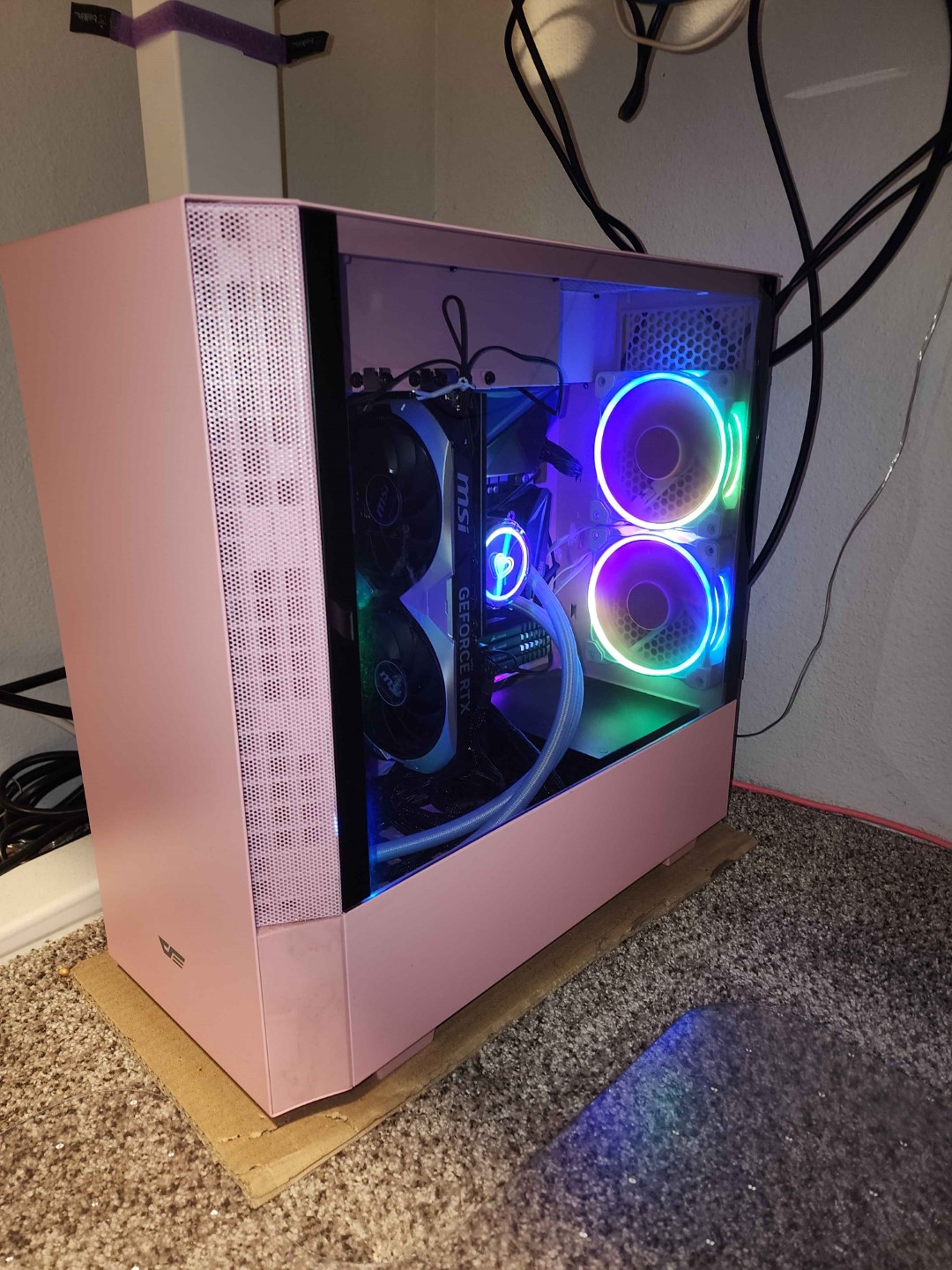 A Ryzen for the Wife
I picked my blue case to match the pink case my wife chose
A Ryzen for the Wife
I picked my blue case to match the pink case my wife chose
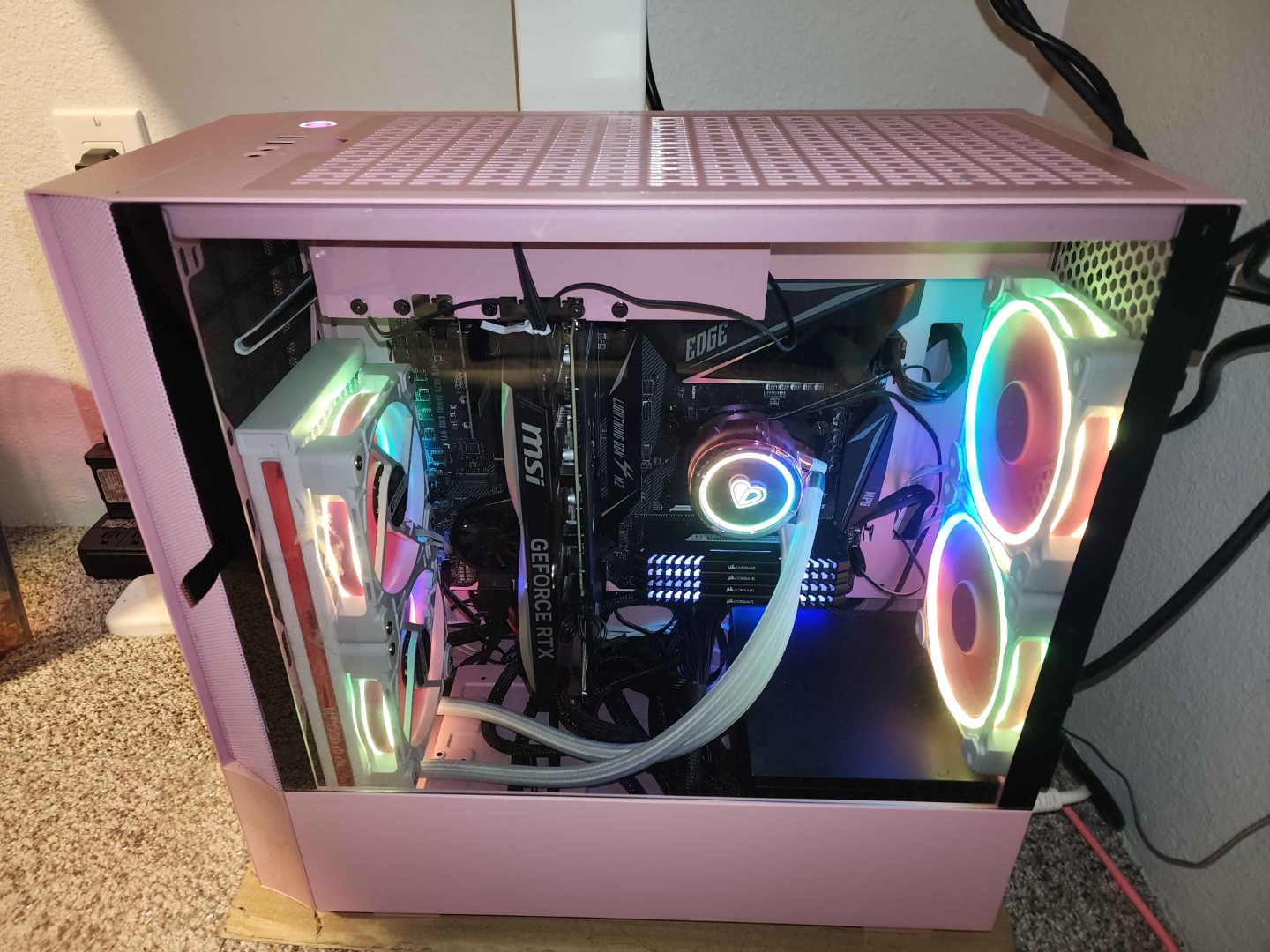 Finally some color
You don't have to worry so much about color matching the inside when the outside brings its own
Finally some color
You don't have to worry so much about color matching the inside when the outside brings its own
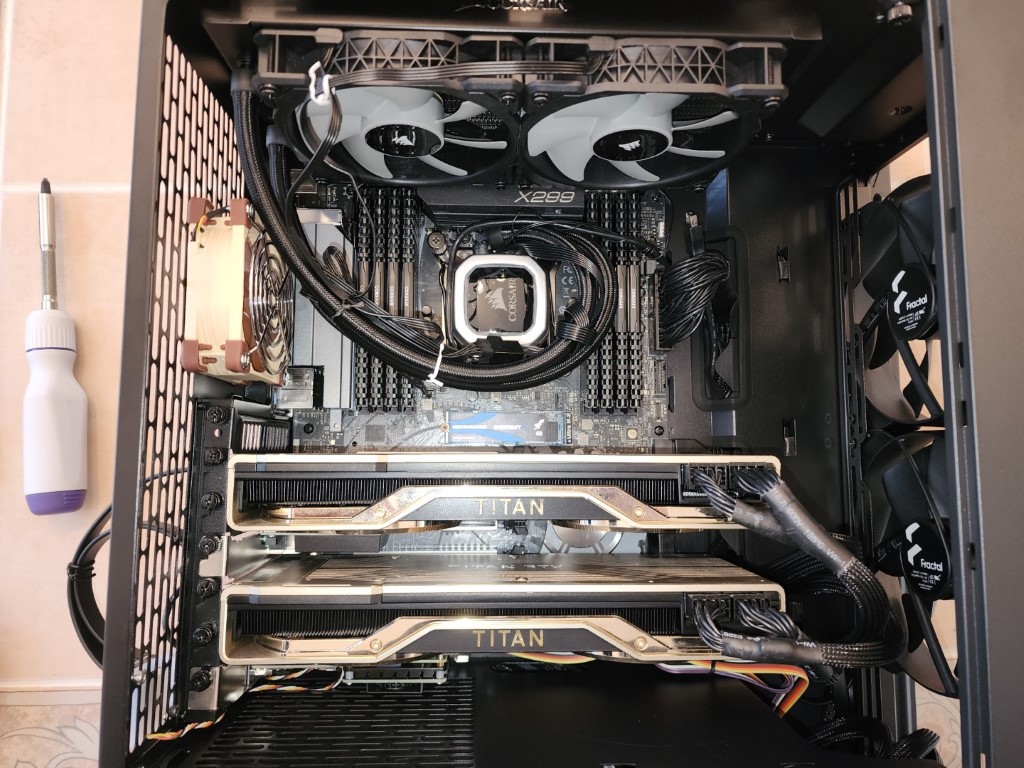 Crypto mining is out, LLMs are in!
Building powerful computers is very fun and LLMs need very powerful computers indeed! I built this with 48GB of VRAM to run 32B models in early 2023.
Crypto mining is out, LLMs are in!
Building powerful computers is very fun and LLMs need very powerful computers indeed! I built this with 48GB of VRAM to run 32B models in early 2023.
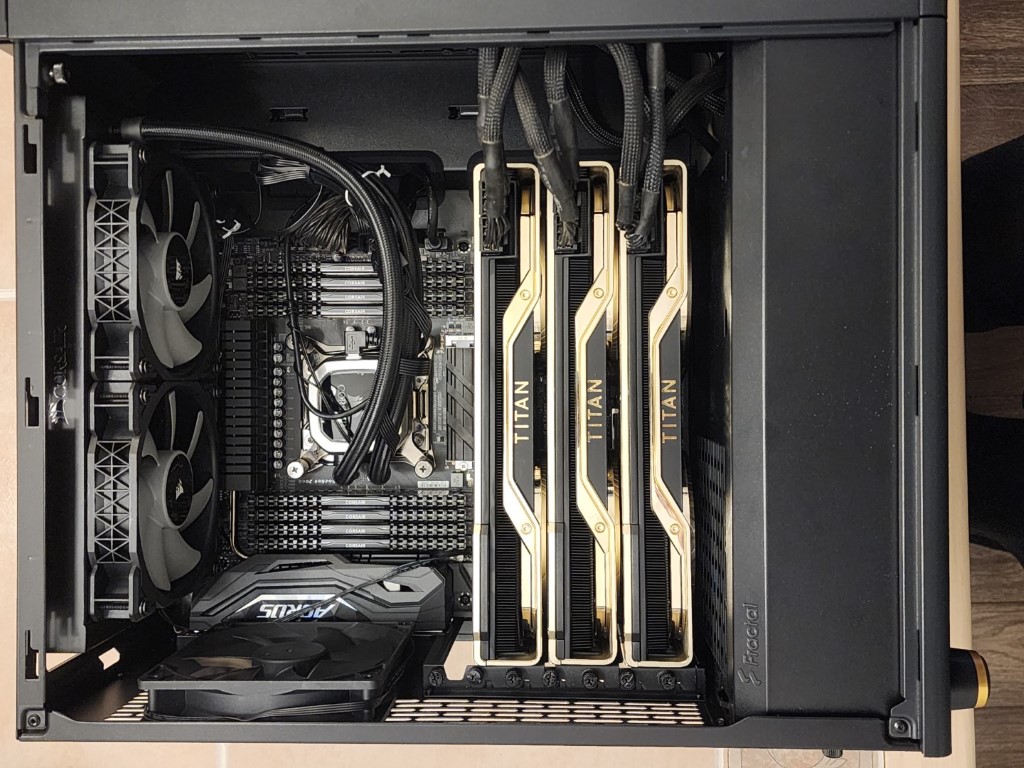 Expanding for 70B
I expanded to 72GB VRAM so that I could run Llama3.3 70B in 2024.
Expanding for 70B
I expanded to 72GB VRAM so that I could run Llama3.3 70B in 2024.
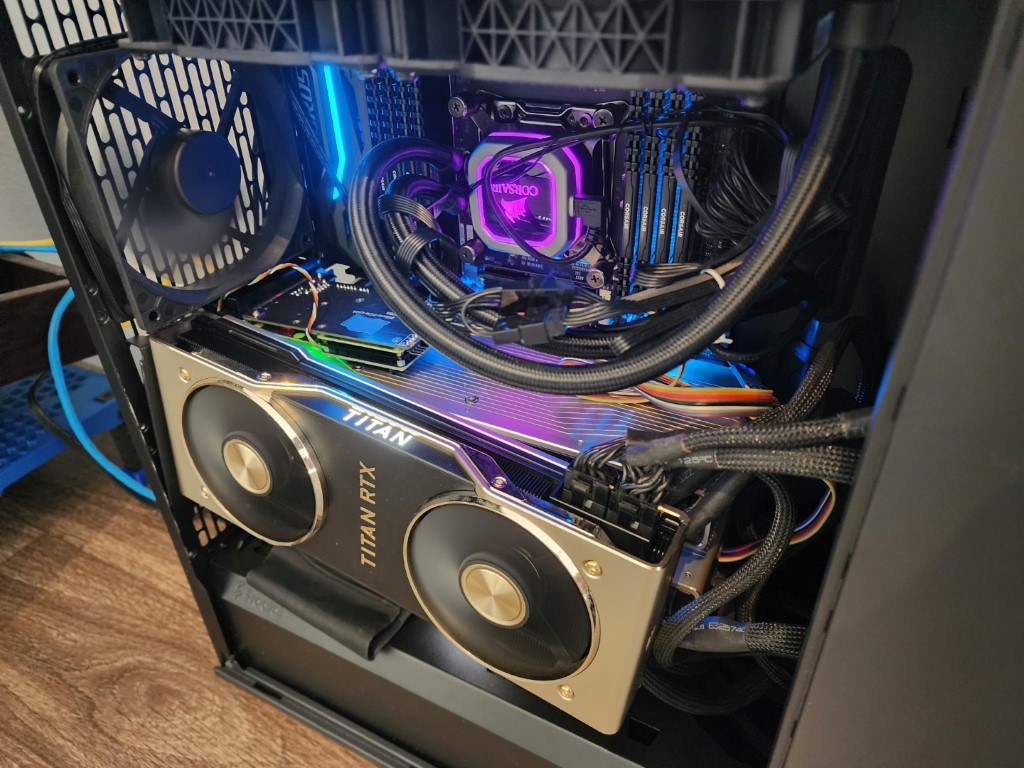 Slight modification
The Titan RTX was not made to run stacked close together and overheated frequently. So, I had to make some adjustments and give each card some breathing room.
Slight modification
The Titan RTX was not made to run stacked close together and overheated frequently. So, I had to make some adjustments and give each card some breathing room.
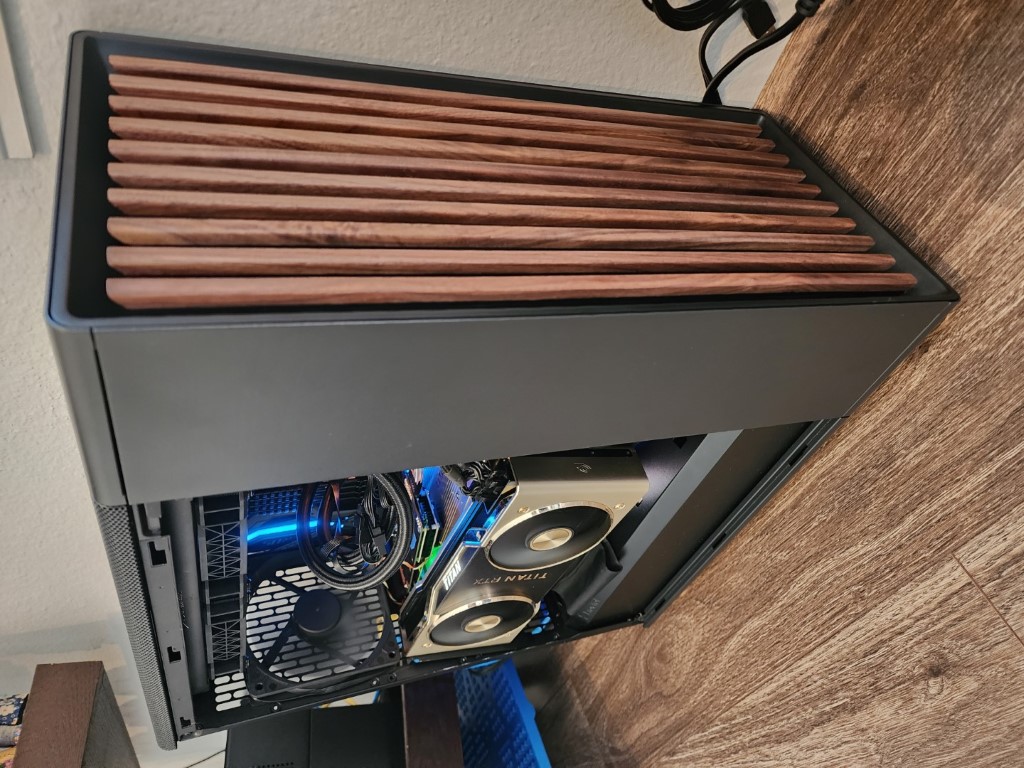 72GB of 2024 LLM goodness.
I ran all my fun LLMs at home in 2024 on this guy. Discord chatbots, programming assistants, and just having fun.
72GB of 2024 LLM goodness.
I ran all my fun LLMs at home in 2024 on this guy. Discord chatbots, programming assistants, and just having fun.
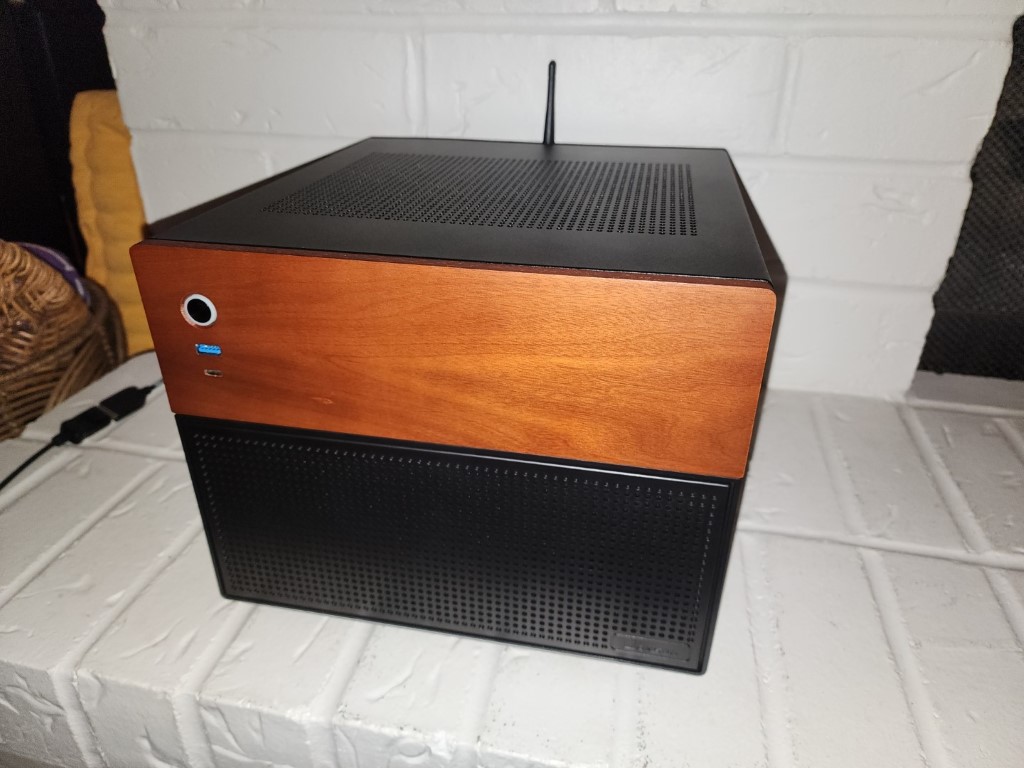 Time for a new NAS
I have had a 5-bay Synology NAS that was approaching 10 years old. It was time to replace it with this Jonsbo N4. mATX, half-height PCI-e, and 6 bays for HDDs it was a really nice little box.
Time for a new NAS
I have had a 5-bay Synology NAS that was approaching 10 years old. It was time to replace it with this Jonsbo N4. mATX, half-height PCI-e, and 6 bays for HDDs it was a really nice little box.
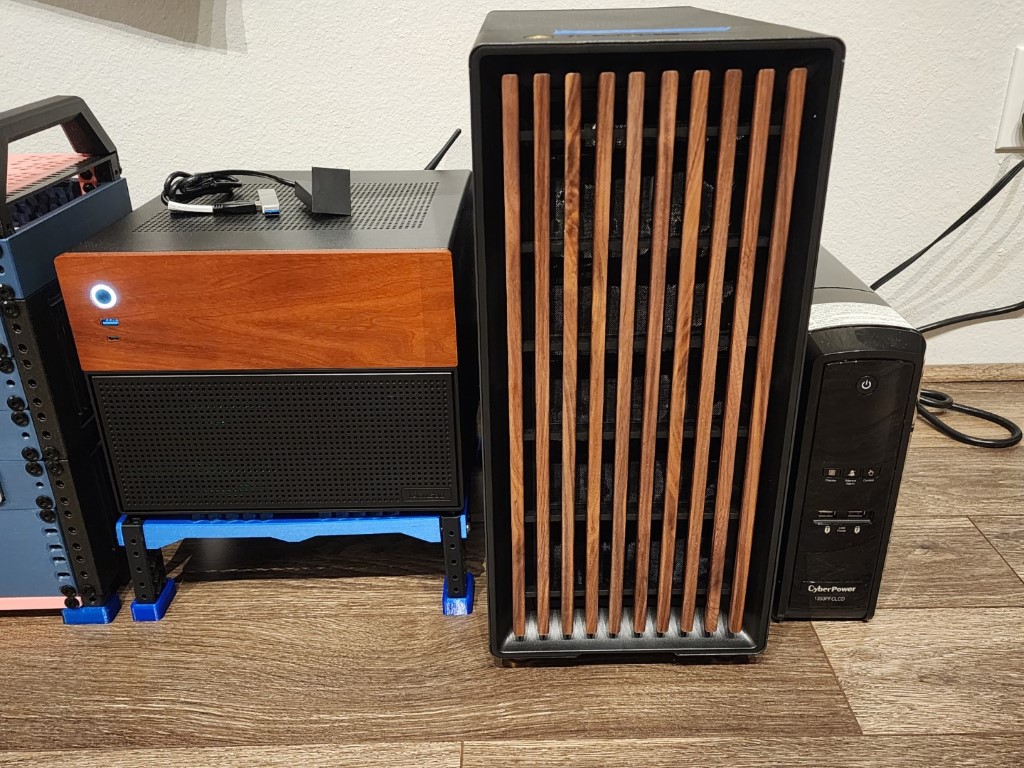 Matching compute buddies at home.
The Jonsbo N4 NAS matched perfectly with my Fractal North AI machine. It was the beginning of my own little cloud.
Matching compute buddies at home.
The Jonsbo N4 NAS matched perfectly with my Fractal North AI machine. It was the beginning of my own little cloud.
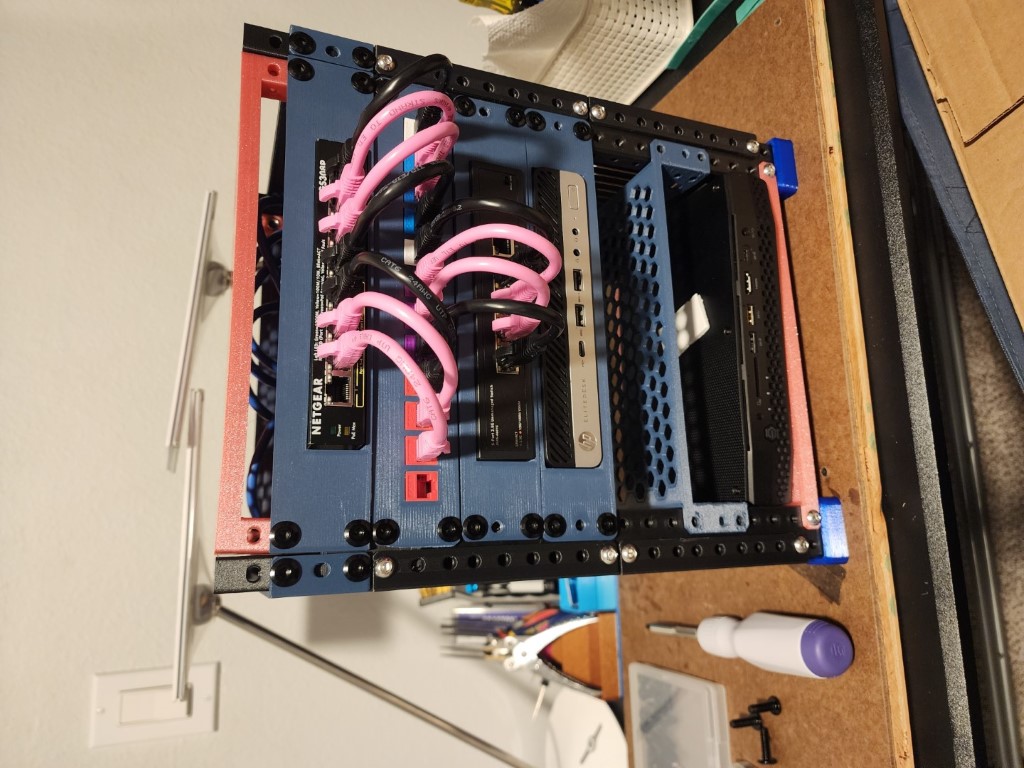 Mini network rack!
Right after putting together my NAS the 10-inch mini rack started becoming popular. I decided I needed one of my own.
Mini network rack!
Right after putting together my NAS the 10-inch mini rack started becoming popular. I decided I needed one of my own.
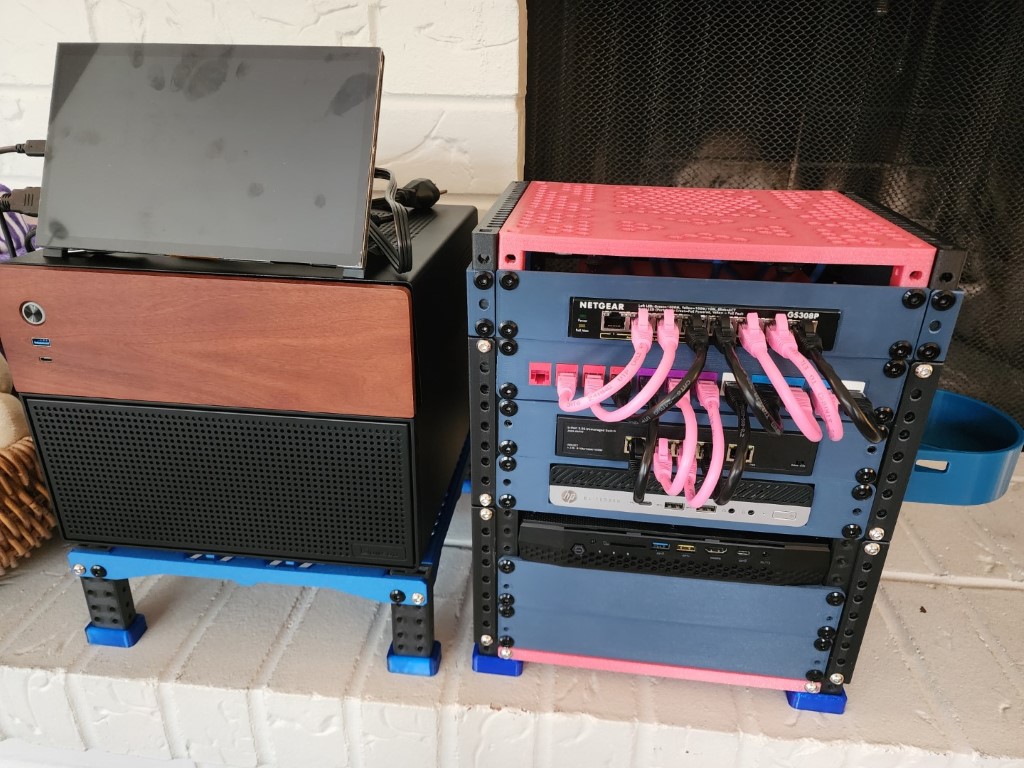 The mini cloud expands
A NAS and a couple of mini-computers with the network switches that would make up the core of my home network.
The mini cloud expands
A NAS and a couple of mini-computers with the network switches that would make up the core of my home network.
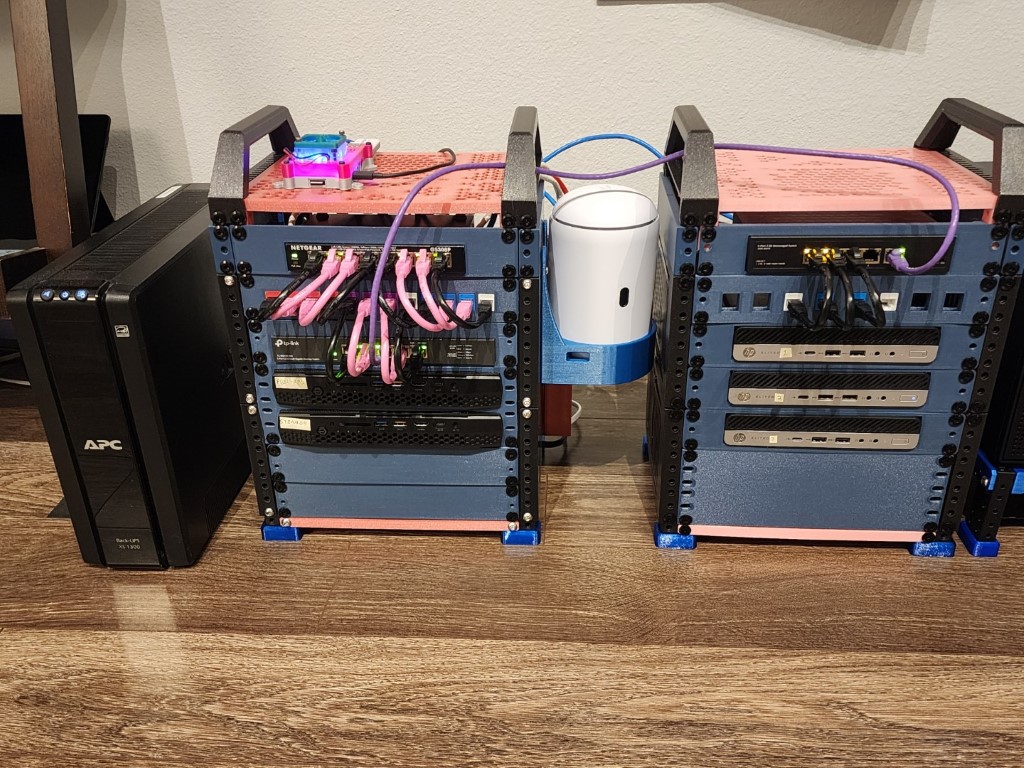 More!
I couldn't help myself. 2 Mini computers were not enough. I wanted to have a Proxmox cluster so I added more! These little guys were only $60 each!
More!
I couldn't help myself. 2 Mini computers were not enough. I wanted to have a Proxmox cluster so I added more! These little guys were only $60 each!
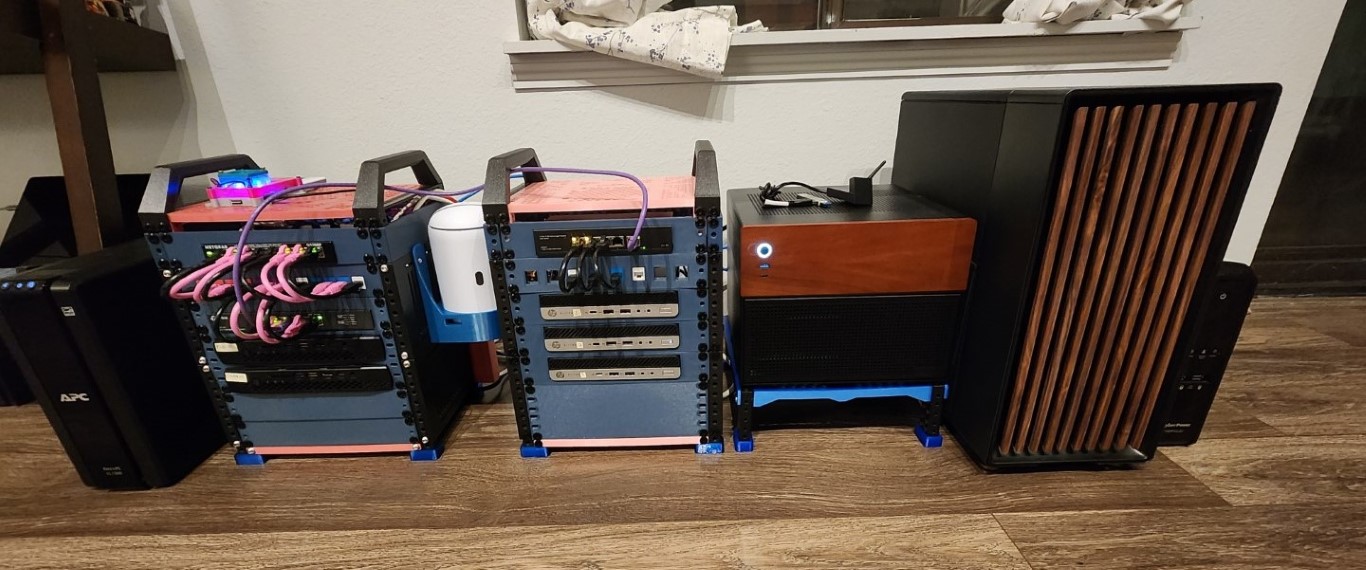 My mini data center!
Networking, Proxmox High availability cluster mini-PCs, Storage server, and AI server! I now had my own little baby data center all my own!
My mini data center!
Networking, Proxmox High availability cluster mini-PCs, Storage server, and AI server! I now had my own little baby data center all my own!
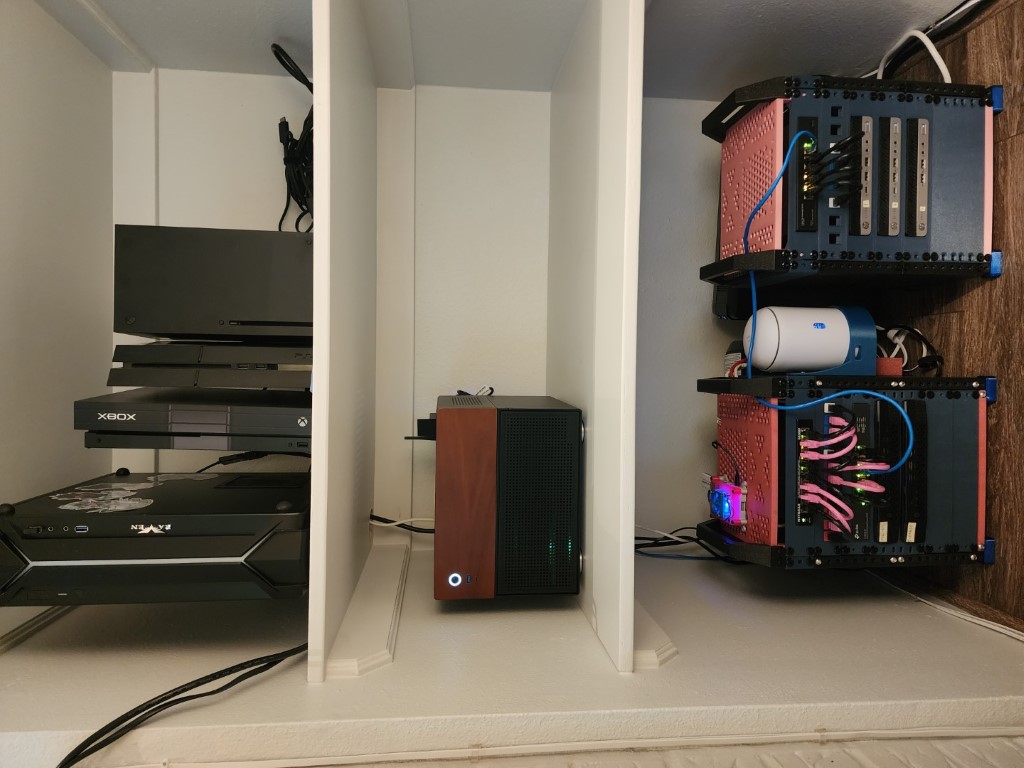 The final form
The mini data center and gaming machines all set up together. There are 12 computers in this picture if you count the consoles and the router.
The final form
The mini data center and gaming machines all set up together. There are 12 computers in this picture if you count the consoles and the router.
Click here to return to top.
Click here to return to Home.