So I had some fun creating a silly little chatbot for my friends to play around with, but now it was time to level up. There was a new hotness in town: Agents. Up until this point LLMs were made mostly to just chat with. You would enter a block of text and the LLM would give you back a block of text. But what if they could do more? ChatGPT and Claude were great at creating lots of code and telling you what terminal commands you needed to run on Linux, but what if they could also run the code and use the terminal themselves?
Trying to create my own ChatGPTSo I had an LLM at home, but ChatGPT could do so much more than chat at this point. It had deep research, it had web search, it had image editing. After using the Oobabooga bot and the built in chat interface it was time to level up my own capabilities. First I set about to set up my own homelab so that I had all the resources I could need. Next was to decide how I was going to make it. First I tried more GitHub projects, after all making chatbots was a very popular way for people out there to practice their python. Something like Companion looked like it was a really nice and robust place to start. But, the more I tried the clearer it became that I would just have to make my own. I mean, I was going to have to learn Python at some point right? But before that I needed a better way to run LLMs than the rather limited Oobabooga webui.
Starting with llama.cppAround this point Llama.cpp had just introduced router mode and it was perfect. I could dynamically load whichever model was needed with the right parameters. This way I could try out any model and just use the right one for the task! The AI server got a few upgrades to a total of 96GB of VRAM and I could load up GLM 4.5 Air for fast answers, or Qwen 3 Coder for development. Lucky for me Digital Spaceport was here to help. Making sure CUDA was working correctly so that llama.cpp could correctly use my 96GB and the CPU/RAM when using a model too big to fit. It was simple for the most part, Ubuntu makes installing drivers a snap with a single command and it takes care of Nvidia drivers:
sudo ubuntu-drivers install
Installing CUDA is just following the official instructions in the Nvidia Docs. I also threw in the Nvidia Cross Communication Library because llama.cpp gives a warning when it is not found and OpenBLAS which is supposed to help with CPU inference speed.
sudo apt install libnccl2 libnccl-dev libopenblas-dev
Finally ready to build llama.cpp
git clone https://github.com/ggml-org/llama.cpp
cmake llama.cpp -B llama.cpp/build -DGGML_CUDA=ON -DGGML_BLAS=ON -DGGML_BLAS_VENDOR=OpenBLAS
cmake --build llama.cpp/build --config Release -j
Pretty soon I had llama.cpp up and running and I could now run any LLM I could imagine! For optimizing the parameters I just took the easy route again and entered them according to the very helpful Unsloth Guides and enter them into my llama.cpp configuration file like so:
[GPT-OSS-120B]
m = /home/user/AI/LLM_Models/GPT-OSS-120B-MXFP4/gpt-oss-120b-mxfp4-00001-of-00003.gguf
fit = on
fitt = 512
fitc = 131072
temp = 1.0
min-p = 0.0
top-p = 1.0
top-k = 0.0
fa = on
jinja = on

[GLM-4.5-Air-Q4]
m = /home/user/AI/LLM_Models/GLM4.5-Air-Q4/GLM-4.5-Air-UD-Q4_K_XL-00001-of-00002.gguf
fit = on
fitt = 512
fitc = 131072
temp = 0.6
top-k = 40
top-p = 0.95
min-p = 0.0
jinja = on
fa = on
After that it's ready to run!
/home/user/AI/llama.cpp/build/bin/llama-server --port 9876 --host 0.0.0.0 --models-preset /home/user/AI/LLM-config.ini --models-max 1 --metrics
And just like that I had any LLM I could imagine anywhere on my home network! Any program could call out to the server using the OpenAI API and get back a response. I was ready to delve into everything else. Jenny finally had a versatile brain!
To Python or not to Python
Next up was my goal of creating my own ChatGPT clone in Discord. To level up my XJ-9 Jenny bot. I wanted it to be able to do web-search, deep research, image generation, youtube transcript extraction, everything that ChatGPT could do. First I looked for a pre-made solution that somebody else had made that I could build on, but that was proving to be not very productive. I was quickly realizing that I would need to create my own from scratch. It sure seemed like I would need to learn some Python programming in order to get this done. Unless...
Enter N8N. A self-hostable no-code automation platform built with LLMs in mind. You build with function blocks and connect them into a workflow. It has straight up code blocks so you can write your own code as the functions and just connect them together with all of the connections and account management taken care of for you! This was my absolute favorite part. When I wanted to integrate llama.cpp all I had to do was add the LLM block and enter the Jenny server as the custom endpoint and I could test the connection immediately and independently. If I wanted to connect to gmail I could use OAuth and test that connection without writing any other custom code.
I got it working with a little help from Network Chuck who very helpfully creates showcases of technologies like this to help get you started.
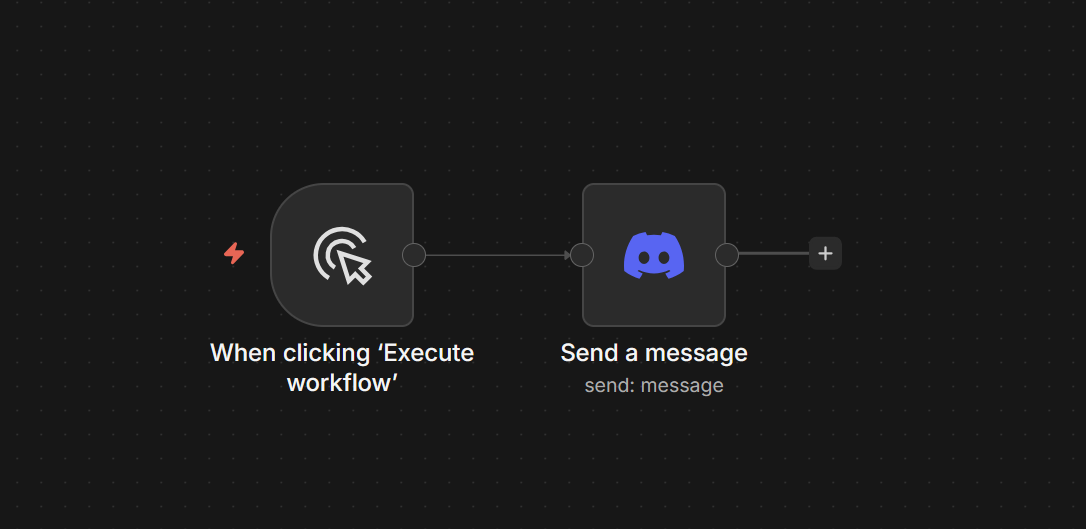
Then, I started with a practice project. Use my XJ-9 Discord bot to read my emails and calendar and send me a morning briefing via Discord. This was the ideal use case for local LLMs since no cloud LLM will see my emails or private data, all of it stays on my network. But after that I was ready to move onto creating the entire Discord ChatGPT clone using my local LLMs in n8n.
How it started:
 How it's going:
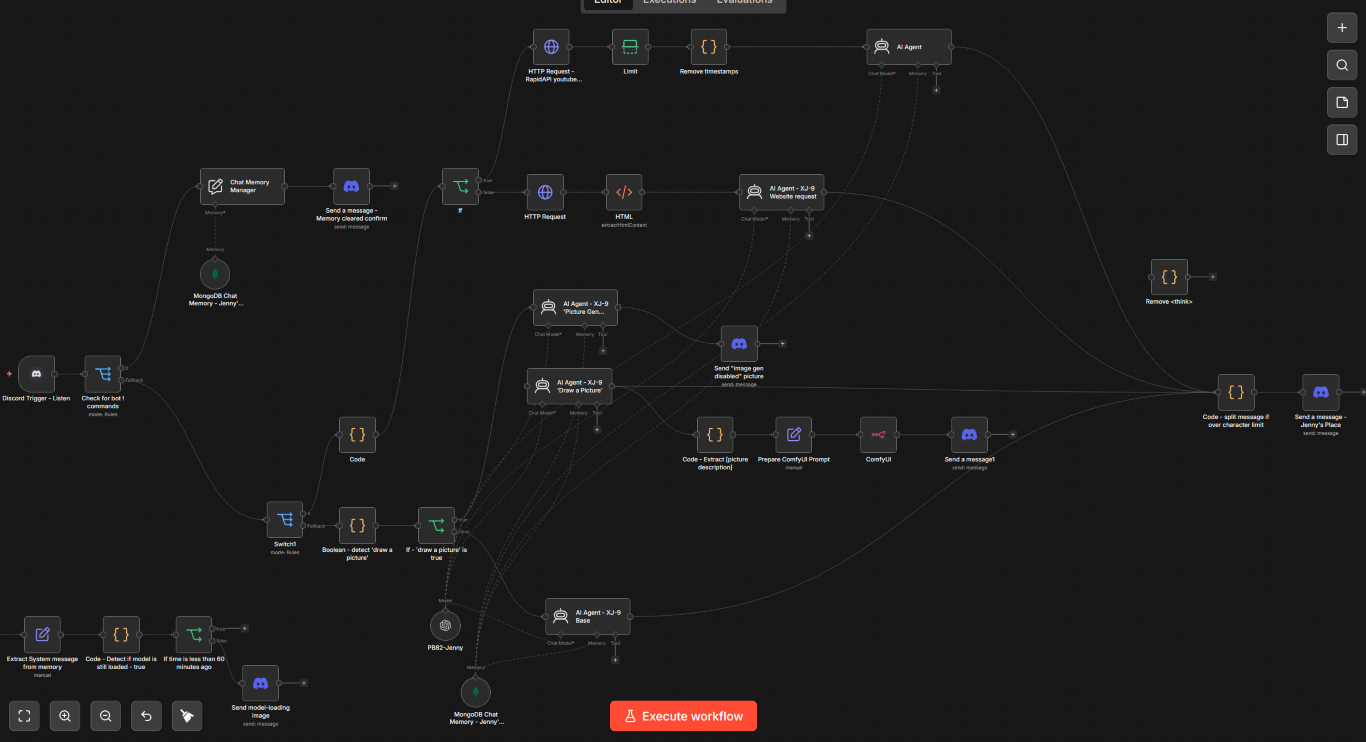
Having the logic controlled by these visual blocks, having the connections taken care of by n8n itself, and being able to put more complicated functionality inside code blocks to be executed at the appropriate time in the workflow made it so easy and fast to develop that I was hooked. I started to look for other ways to use it. I was able to create a bot that could read incoming Discord messages and route them to the correct branch to handle normal chat, it could read a webpage if you posted a link, it could read the transcript of a YouTube video from a link, and it could generate images based on user input. But this was only the beginning. I wanted it to do more!
n8n as API
I was able to create these workflows so effortlessly that I wanted to use it other ways as well. The Cloud Resume Challenge included using Python to create an API server using something like Azure Functions. But now I had a way to run my own functions on the internet: N8N.
I first started out with the need for my XJ-9 Discord bot to be able to keep track of a list of tasks and track progress through them using nothing but chat from Discord. In order to accomplish this I first had to learn OpenCode.
This idea came again from Network Chuck, he showed that you could use the Claude Code headlessly by sending terminal commands via SSH and that N8N could automatically send those commands! I have a VM running OpenCode and the VM keeps some markdown files with the information from the list of tasks and the XJ-9 Discord bot could call the OpenCode to handle manipulating the files!
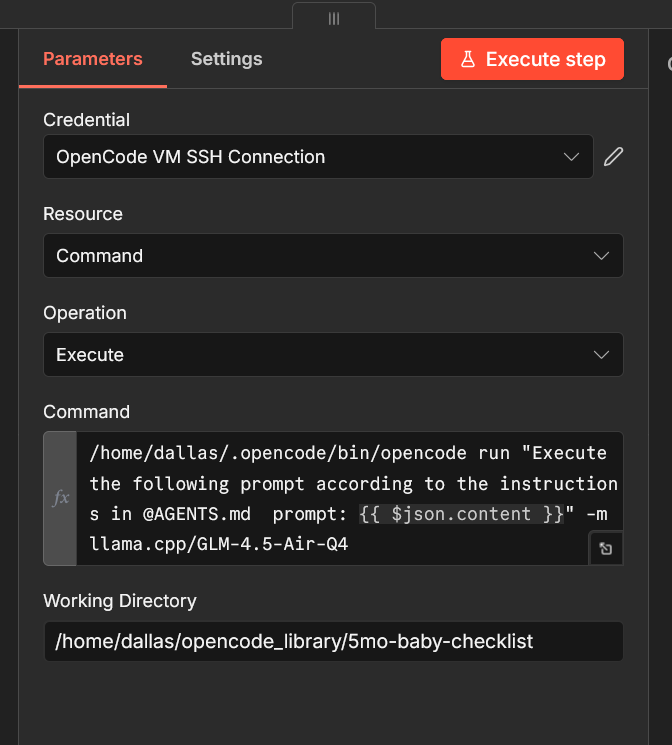 Next up was what proved to me that n8n could serve as my API server for pretty much anything. A simple HTTP GET weather lookup that grabs the weather forecast from weather.gov for a given zip code and returns it, easy! This worked perfectly for AI Agents to just quickly grab the weather forecast instead of using a websearch or just guessing.
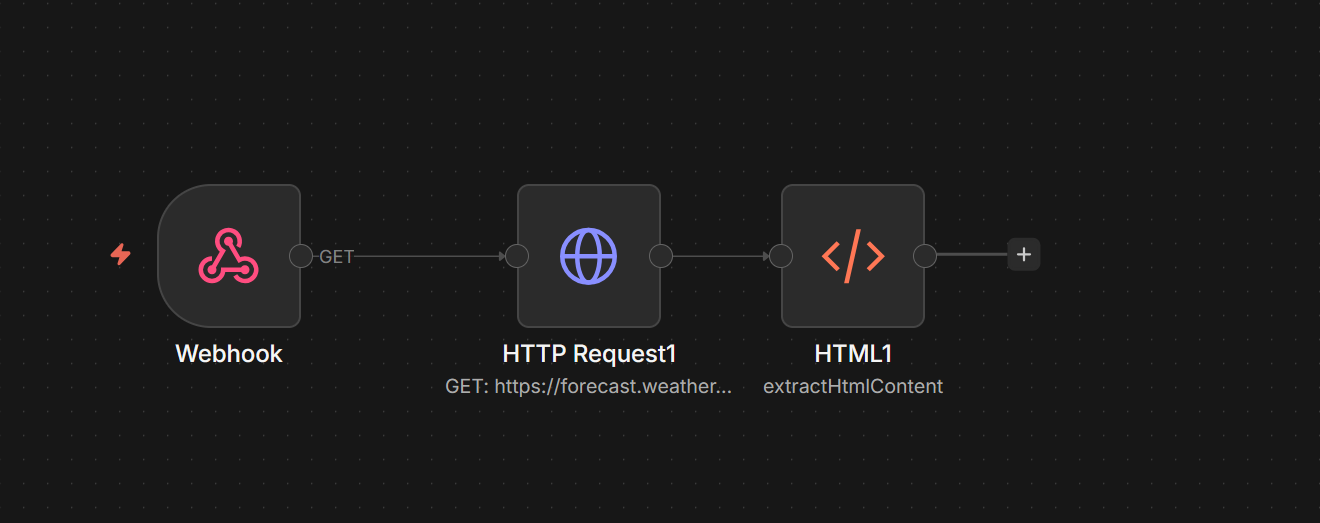 I now had the power to quickly and easily create webhooks for programs or websites to reach out to and run any amount of code using Python or Javascript, access databases or other files hosted on my homelab or parsed from other websites, and unlimited AI tokens from my locally hosted AI server!
Delving into OpenCode and the agents in n8n made one thing abundantly clear: self-hosting LLMs was definitely the way to go.
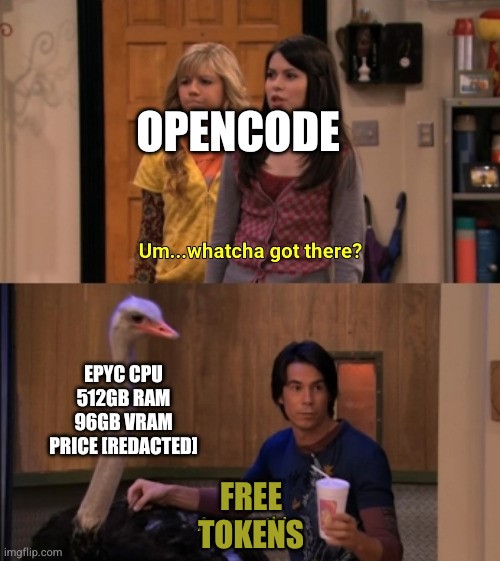 OpenCode itself could tear through tokens at a prodigious rate. If I had to pay for each and every one from a Cloud Provider it could get expensive fast. Nothing proved this more correct than the OpenClaw craze.
AI Agents blew up right around this time and OpenClaw was the most popular. Agents were incredible, they allowed an LLM to control a computer and access everything on it by themselves! However, I read accounts of some people spending over $20 PER DAY on LLM tokens to power their OpenClaw Agents. $600 a month on the same functionality that I had just built myself with n8n. The terminal commands to OpenCode for file manipulation, the website extraction. These agents could do it all natively.
I never tried OpenClaw but I did try Hermes Agent and once I did, I could tell that my Discord Bot was obsolete already! Hermes could do everything I wanted and more! It could even use Discord as the chat interface as well as the terminal just like OpenCode.
I spun up a Kubuntu VM and installed the Hermes Agent and pointed it towards my AI server. Just like that Jenny 2.0 was born!
OpenCode itself could tear through tokens at a prodigious rate. If I had to pay for each and every one from a Cloud Provider it could get expensive fast. Nothing proved this more correct than the OpenClaw craze.
AI Agents blew up right around this time and OpenClaw was the most popular. Agents were incredible, they allowed an LLM to control a computer and access everything on it by themselves! However, I read accounts of some people spending over $20 PER DAY on LLM tokens to power their OpenClaw Agents. $600 a month on the same functionality that I had just built myself with n8n. The terminal commands to OpenCode for file manipulation, the website extraction. These agents could do it all natively.
I never tried OpenClaw but I did try Hermes Agent and once I did, I could tell that my Discord Bot was obsolete already! Hermes could do everything I wanted and more! It could even use Discord as the chat interface as well as the terminal just like OpenCode.
I spun up a Kubuntu VM and installed the Hermes Agent and pointed it towards my AI server. Just like that Jenny 2.0 was born!
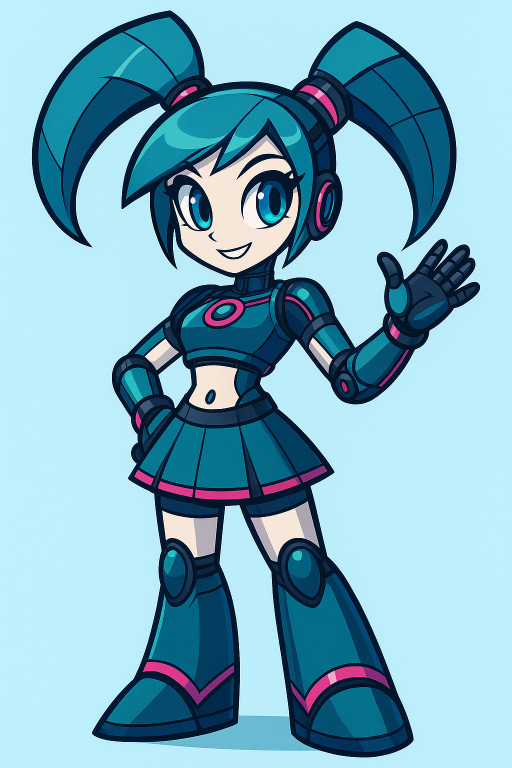 She could do it all. File manipulation, web search, terminal commands, SSH commands to the rest of my network, access my calendar and emails via the Thunderbird client that comes installed with KDE Plasma, navigate using the browser and take screenshots and read them for information, nothing was out of reach!